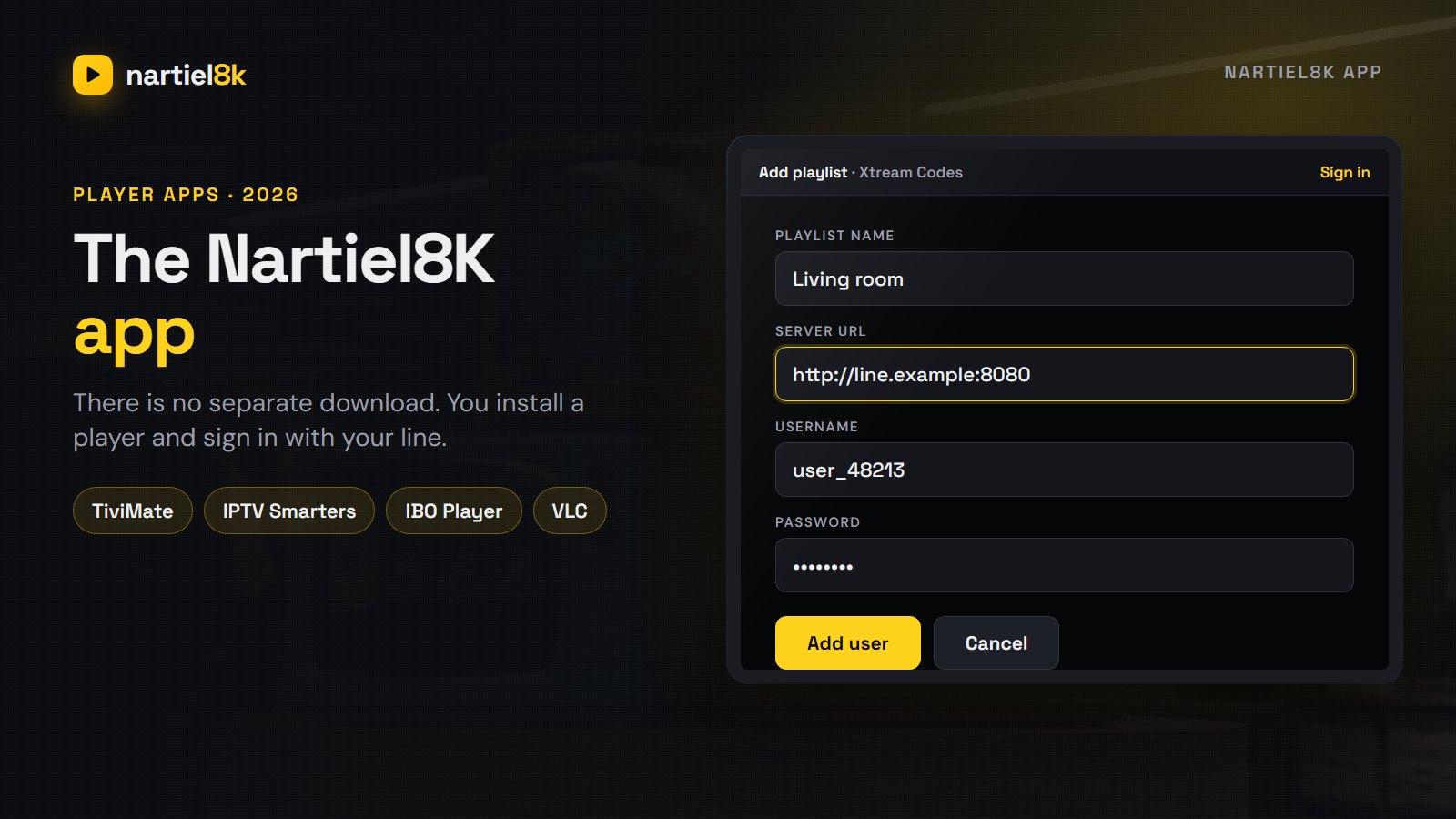
There is no “Nartiel8K app” to download from an app store, and any site offering you a Nartiel8K APK is not us. Nartiel8K is a subscription, not an application. You install one of the standard IPTV player apps — TiviMate, IPTV Smarters, IBO Player, VLC — and sign in with the line details we send you. That is deliberate: it means the service works on devices that would never carry a small provider’s own app, and it means you can change player without changing subscription.
This guide covers which player to install on which device, what to type into it, what the apps cost, and what to do when one of them will not load.
Quick takeaways
- There is no separate Nartiel8K app or APK. You use a standard player app with your login.
- On a Firestick or Android TV: TiviMate, or IPTV Smarters Pro.
- On Samsung and LG: a player from the TV’s own store, such as IBO Player.
- On Apple devices: Smarters Player Lite or iPlayTV. On a computer: VLC or the Smarters desktop app.
- The login — server URL, username, password — is identical in every app. Changing player does not change your subscription.
Which player app to install
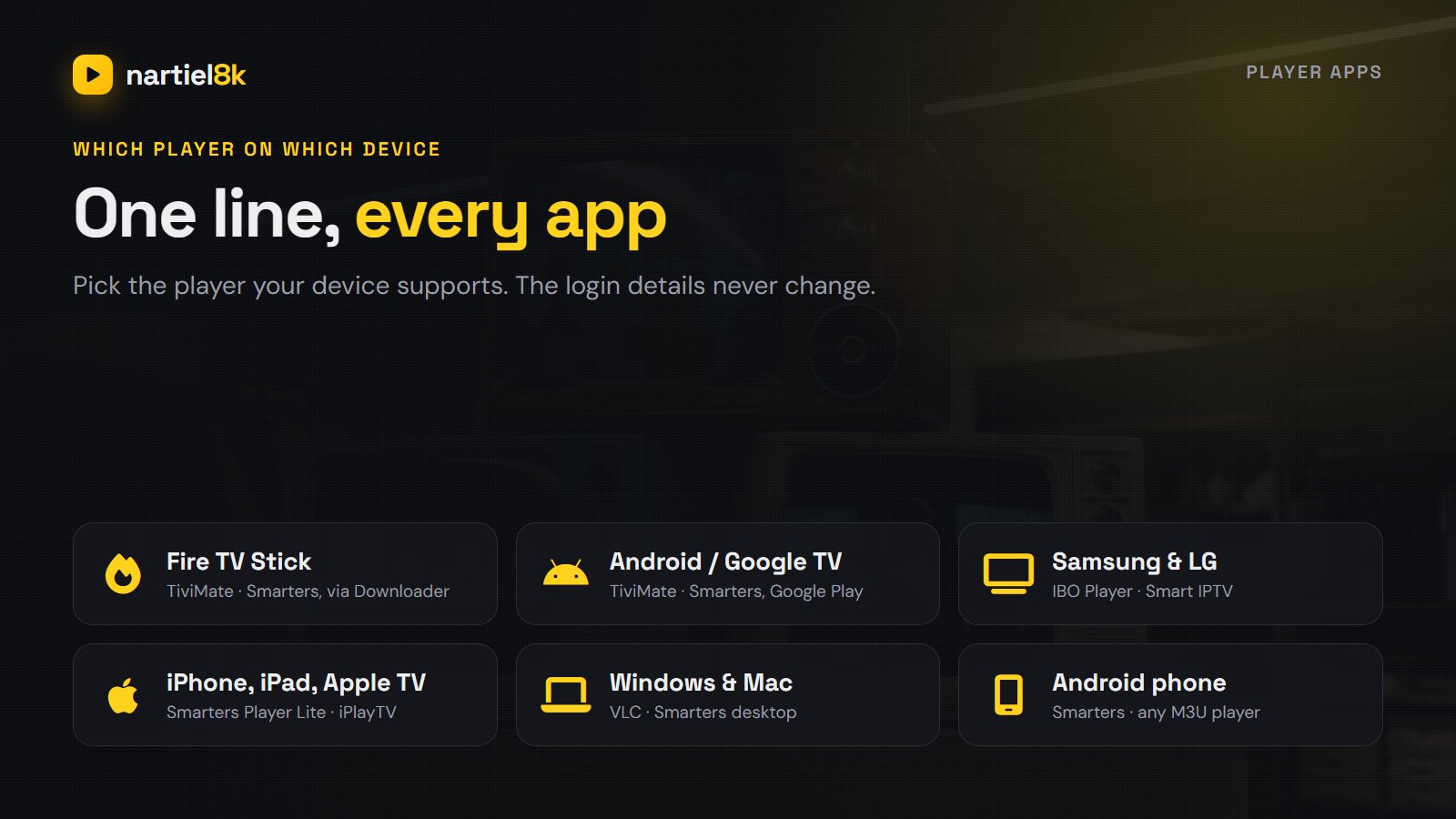
Pick the row for the device you are setting up. Where two apps are listed, the first is the one we would install ourselves.
| Device | Player app | How you get it |
|---|---|---|
| Fire TV Stick | TiviMate, or IPTV Smarters Pro | Downloader app — the Amazon store does not list them |
| Android TV / Google TV | TiviMate, or IPTV Smarters Pro | Google Play, directly on the device |
| Android phone or tablet | IPTV Smarters Pro | Google Play |
| Samsung Smart TV | IBO Player, or Smart IPTV | The TV’s own app store |
| LG Smart TV | IBO Player, or Smart IPTV | The LG Content Store |
| Apple TV, iPhone, iPad | Smarters Player Lite, or iPlayTV | The App Store |
| Windows or Mac | VLC, or IPTV Smarters desktop | The app’s own website |
| Older TV with no app store | Any of the above, on a $40 stick | A Fire TV Stick or Android box plugged into HDMI |
Two notes on that table. A Fire TV Stick does not carry IPTV players in the Amazon store, so you install the free Downloader app first and sideload from there — the Firestick guide walks through it click by click. And TiviMate is the best of these apps by a distance on Android-based devices, which is why we wrote a full TiviMate guide rather than squeezing it into a paragraph here.
Signing in: the four fields
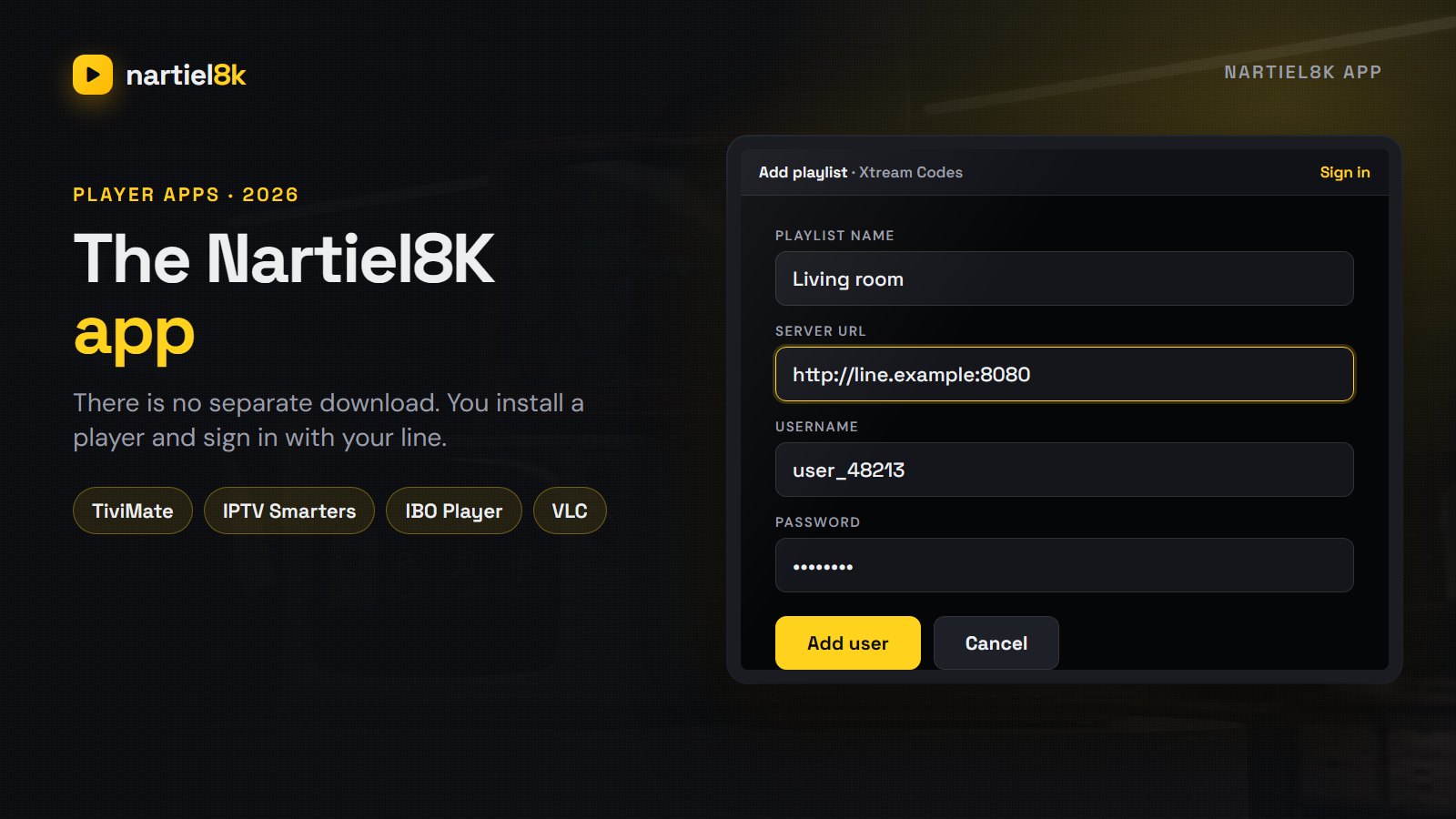
Every one of these apps asks for the same thing. When the app offers a choice, pick Xtream Codes rather than M3U — it loads the TV guide and the film library on its own, where an M3U link usually brings only the channel list.
| Field | What goes in it |
|---|---|
| Playlist name | Anything you like — “Living room” is fine. It is only a label. |
| Server URL | The address we send, starting with http:// and ending with the port number |
| Username | From the same message, copied exactly |
| Password | From the same message, copied exactly |
Then give it a minute. The first load pulls down tens of thousands of channels and the guide, and on a slow stick it can sit on a loading screen for longer than feels right. Once it is in, the app remembers it and opens straight to the channel list.
If you have not received the details yet, or they have stopped working, that is the activation page rather than this one.
What the apps cost
This is where new subscribers get confused, so it is worth separating clearly. Your plan with us and the player app are two different purchases, and one of them is usually free.
| App | Cost | Note |
|---|---|---|
| IPTV Smarters Pro | Free | Does everything you need. The usual first choice. |
| IBO Player | Small one-off fee on some TVs | Charged by the app, not by us |
| VLC | Free | Plays the stream; no TV guide |
| TiviMate (free) | Free | Single playlist, no recording — enough for most people |
| TiviMate Premium | Paid, to TiviMate | Multiple playlists, recording, better guide. Optional. |
So when TiviMate asks you to pay, that is TiviMate asking, not us. Your subscription is unaffected either way, and the free version plays every channel on your plan.
When the app will not load
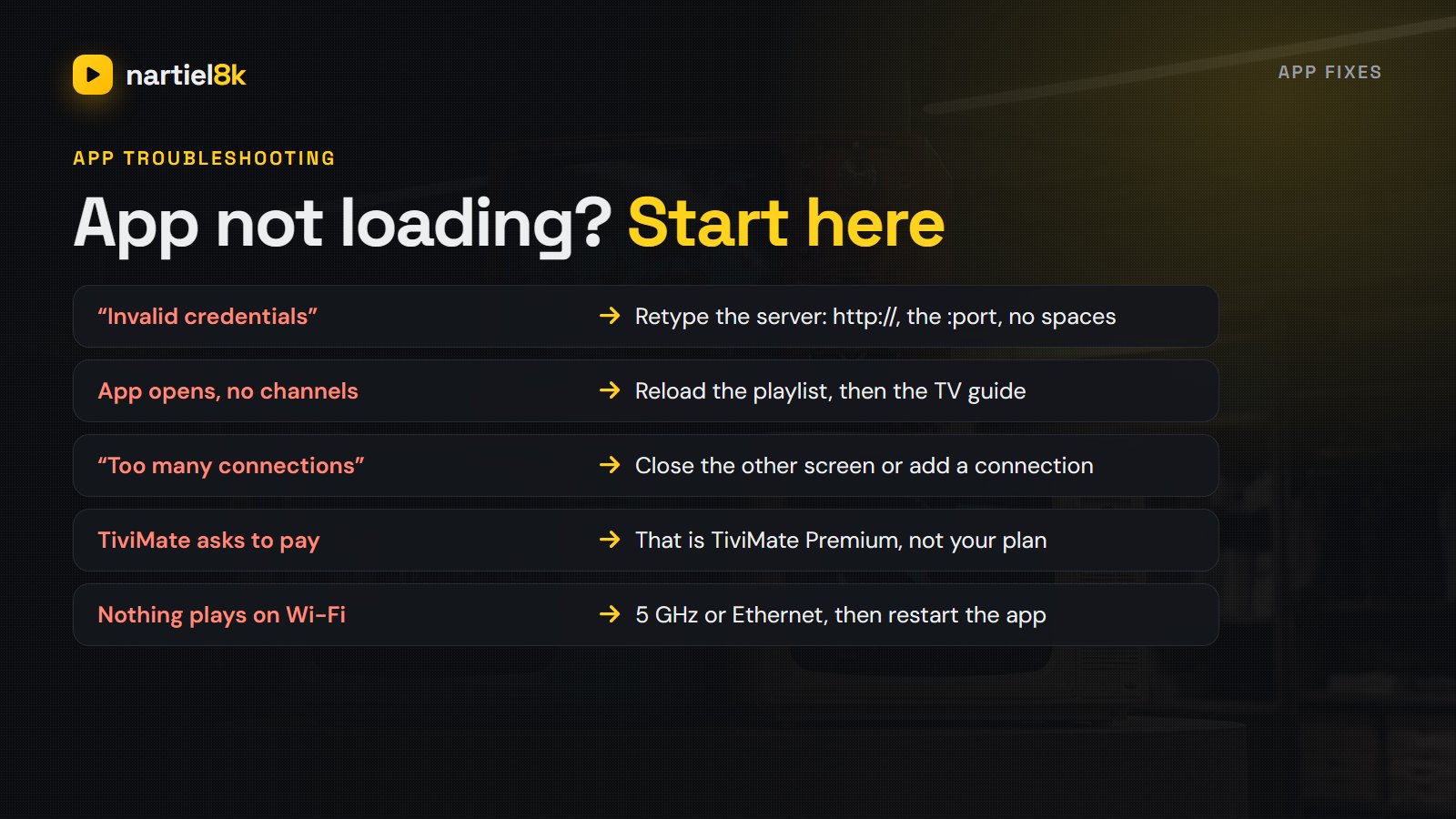
Nearly every “the app is broken” message we get is one of five things, and four of them are fixed in under a minute.
| What you see | What it means | Fix |
|---|---|---|
| “Invalid credentials” | A typo in the server, username or password | Retype it: http:// at the front, the :port on the end, no trailing space |
| Signs in, no channels | The playlist loaded but the content did not | Reload the playlist, then update the TV guide, then reopen the app |
| “Too many connections” | Another screen is already playing on your line | Stop the other screen, or add a connection to your plan |
| Buffering on every channel | The connection to the device, not the line | Ethernet or 5 GHz Wi-Fi, then restart the app |
| The app wants payment | TiviMate Premium, not your subscription | Use the free version, or pay TiviMate — your plan is unaffected |
Anything still broken after those is worth a message rather than another hour of settings. The longer list, with the EPG and time-shift problems that are too fiddly for a table, is on Nartiel8K not working and in the buffering fix guide.
Recording, catch-up and the features worth paying for
Once the Nartiel8K line is signed in, what the app does with it is entirely down to the app. This is where the players stop being interchangeable.
| Feature | Which app does it | Worth it? |
|---|---|---|
| A proper TV guide | TiviMate, IPTV Smarters, IBO Player | Yes — it is the difference between a TV and a list |
| Recording a programme | TiviMate Premium | Only if you actually record. Most people do not. |
| Catch-up on past programmes | TiviMate, Smarters, where the channel carries it | Useful for sport you missed by a few hours |
| Multiple playlists at once | TiviMate Premium | Only if you run two services side by side |
| Favourites and channel ordering | All of them, free | Yes — ten minutes well spent on day one |
| Parental lock | TiviMate, Smarters | Yes, if children use the same TV |
Our advice to a new Nartiel8K subscriber is to spend the first evening on the free features rather than the paid ones: hide the thousands of channels you will never watch, build a favourites list of the thirty you will, and set the guide to open on it. That single bit of housekeeping does more for the experience than any premium upgrade.
A Smart TV with no app store
Older Samsung, LG, Sony and Philips sets either have no store or have one that no longer accepts new apps. Nothing is lost — a Nartiel8K line does not care what the television is, only what is plugged into it.
The fix is a streaming stick in a spare HDMI port: a Fire TV Stick or a small Android TV box, both around $40, either of which runs TiviMate or Smarters properly. The television becomes a screen and the stick does the work, which is also a faster setup than most built-in TV apps manage. The streaming device guide compares the options, and the player comparison covers which app to put on it.
Can I use more than one app?
Yes, and plenty of people do. The same line works in TiviMate on the TV, Smarters on the phone and VLC on a laptop at the same time — signing in on several apps costs nothing. The limit is not how many apps hold your details, it is how many screens play at once, which is the connection count on your plan. See the pricing page for what an extra connection costs.
Changing player is also free and safe. If TiviMate stops suiting you, install Smarters, type the same four fields in and carry on. Nothing about the subscription is tied to the app, which is the main practical advantage of a service that does not ship its own.
Watching for the games? Nartiel8K sports covers the Premier League, NFL, NBA, NHL and PPV, with a match-night setup that does not buffer.
Nartiel8K app FAQ
No. Nartiel8K is a subscription that works inside standard IPTV player apps such as TiviMate, IPTV Smarters, IBO Player and VLC. Any site offering a Nartiel8K APK is not us, and we would not install it.
TiviMate on a Firestick, Android TV or Google TV. IPTV Smarters Pro everywhere else, including phones. On Samsung and LG, a player from the TV’s own store such as IBO Player.
Choose Xtream Codes when the app offers it, then enter the server URL, username and password from the message we send. Give the first load a minute to pull down the channels and the TV guide.
Usually not. IPTV Smarters and VLC are free, and the free version of TiviMate plays every channel on your plan. TiviMate Premium and some Smart TV players charge their own fee, which goes to them, not to us.
Yes, on as many as you like. The restriction is on simultaneous playback: each screen watching at the same time uses one connection on your plan.
It is almost always a typo. Check that the server address starts with http://, that the port number is still on the end and that no space has crept in after the username or password. Copy and paste if the device allows it.
Yes, on a computer. VLC plays the stream reliably but gives you no TV guide and no film library browsing, so it suits a laptop rather than a main television. See our VLC guide.
Start watching
Pick a plan on the pricing page or take the free 24-hour trial, install the player for your device from the table above, and type in the four fields. If you want to compare how other services handle the same thing first, TrendyScreen, Nexomir and IPTVMeezzy all run on the same standard players, so nothing you learn here goes to waste.
Related reading
Every common Nartiel8K problem (invalid login, buffering, empty TV guide, max connections) and the exact fix…
The sport you can watch with Nartiel8K in the UK, USA and Canada: 12,000+ sports channels,…