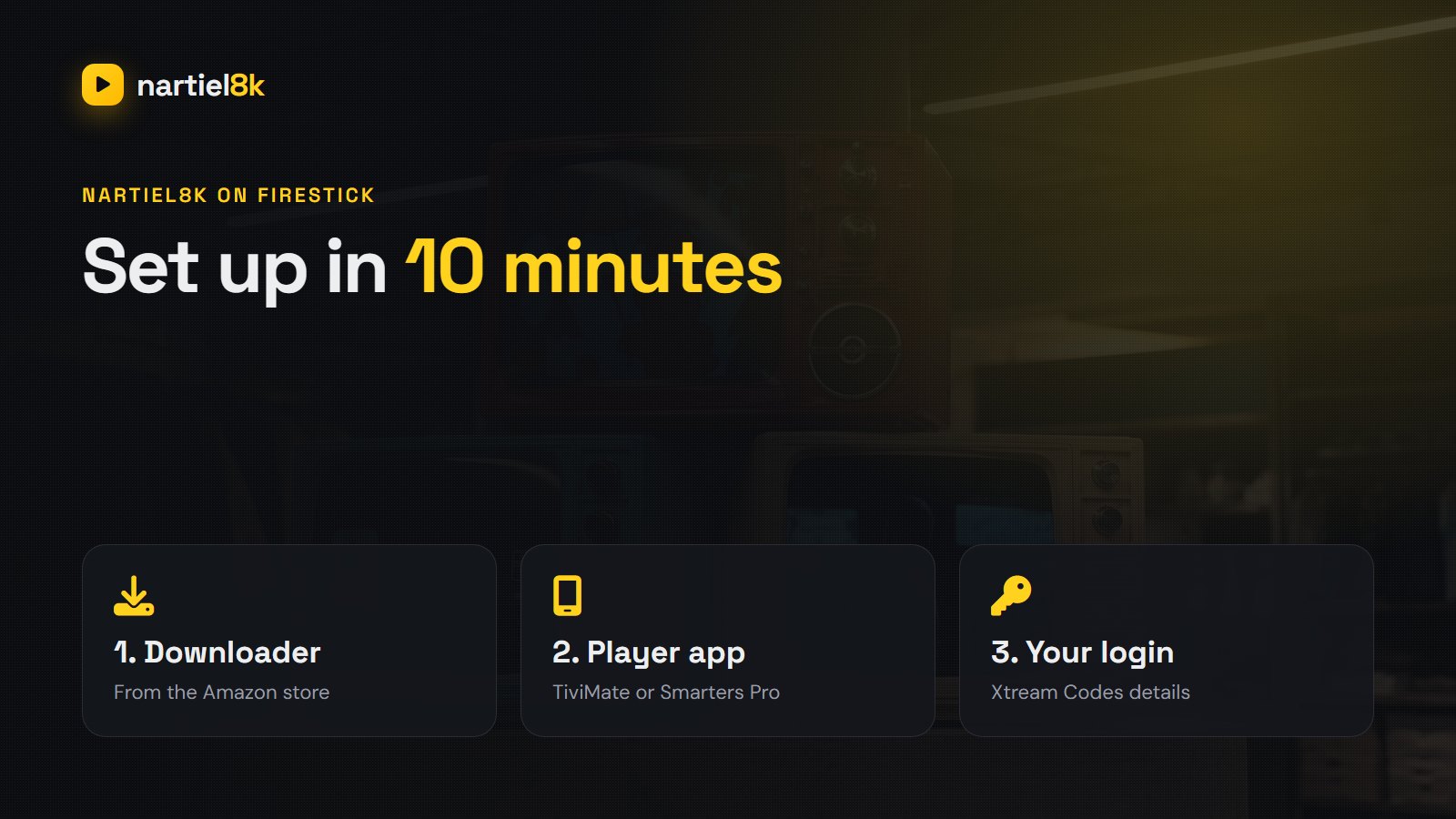
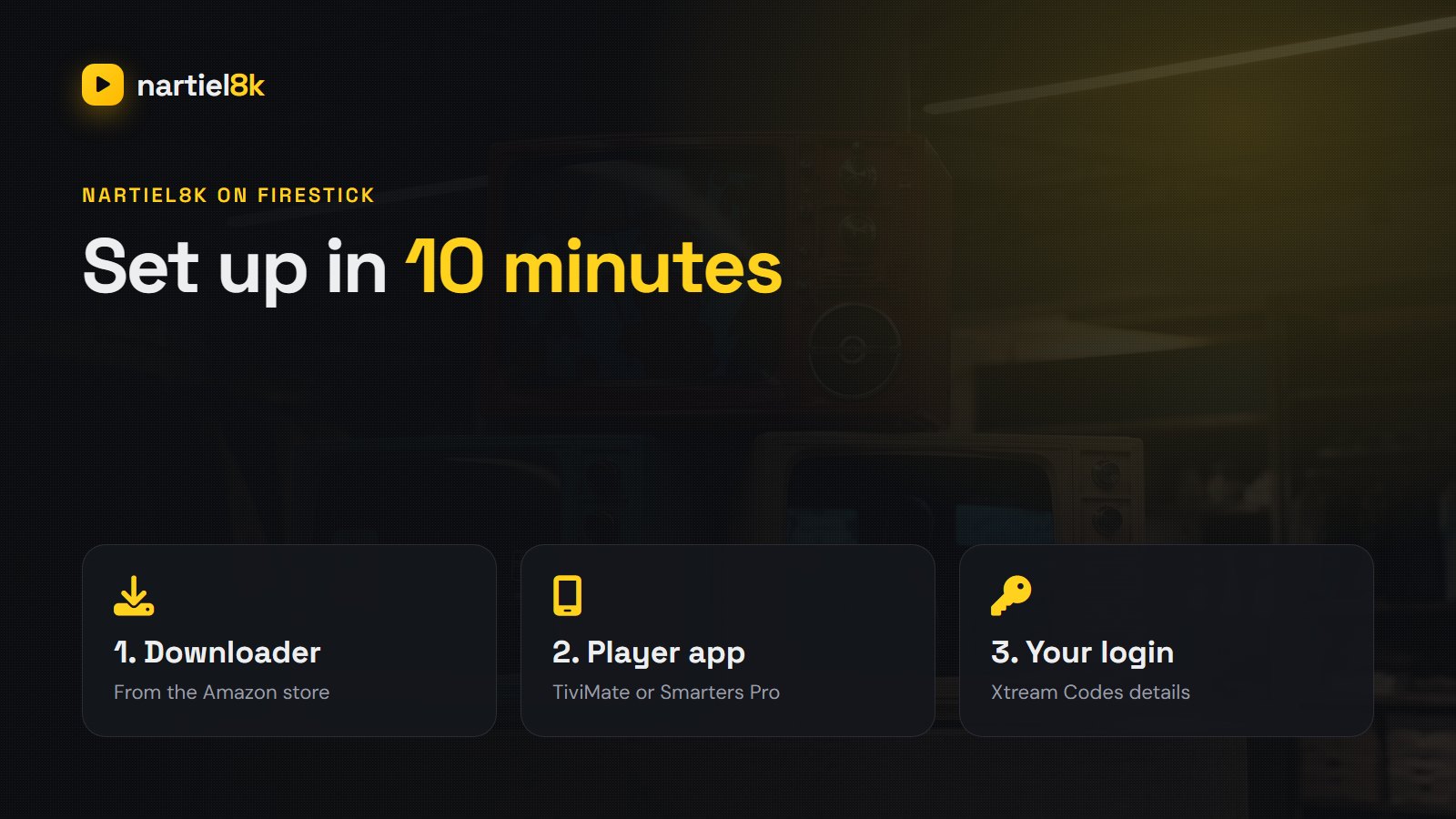
Setting up Nartiel8K on Firestick takes about ten minutes and needs no computer: you install a free player app with Amazon’s Downloader, type in the login we send you, and the 80,000+ channels and the TV guide load straight onto your TV. This guide covers every step on the Fire TV Stick, Fire TV Stick 4K / 4K Max and Fire TV Cube, plus the settings that keep live sport smooth.
Quick takeaways
- There is no separate “Nartiel8K APK”. You use a trusted player app: TiviMate or IPTV Smarters Pro.
- Install Downloader from the Amazon store, allow it to install apps, then fetch the player.
- Log in with the Xtream Codes details we send: server URL, username and password.
- For 4K, use the Fire TV Stick 4K or 4K Max and a wired or 5 GHz connection.
Before you start
- A Fire TV Stick (any generation; the 4K or 4K Max is best for 4K channels), connected to Wi-Fi.
- Your Nartiel8K login. Order on the pricing page or ask for the free 24-hour trial and tell us you use a Firestick.
- About ten minutes.
Step 1: install Downloader
- From the Fire TV home screen, open Find (the magnifying glass) and search Downloader.
- Select the orange Downloader app by AFTVnews and choose Get or Download.
Step 2: allow apps from Downloader
- Go to Settings, My Fire TV, Developer options. If you do not see Developer options, open About and click your device name seven times to unlock it.
- Choose Install unknown apps and switch Downloader to ON.
Step 3: install the player app
We recommend TiviMate (the best TV guide and recording; see the TiviMate setup guide) or IPTV Smarters Pro (simplest, free). Both are mainstream apps; Smarters is also available in the Amazon Appstore in many countries, so search there first. Otherwise, open Downloader, type the official download address of the app into the URL box, let it download, then choose Install. Delete the installer file afterwards to save space. A full app comparison is in best IPTV player apps.
Step 4: log in with your Nartiel8K details
| App | Where to tap | What to enter |
|---|---|---|
| IPTV Smarters Pro | Login with Xtream Codes API | Any name, then username, password and the server URL from our message |
| TiviMate | Add playlist, then Xtream Codes | Server URL, then username and password; tap Next and name the playlist |
| XCIPTV / iMPlayer | Xtream Codes login | The same three details |
Type the details exactly as sent, including http:// and the port number at the end of the server URL. The channels, movies, series and 7-day TV guide download in about a minute. If you see “invalid login”, check for a space at the end of the password. Most other errors are covered in Nartiel8K not working?
Settings that make a real difference
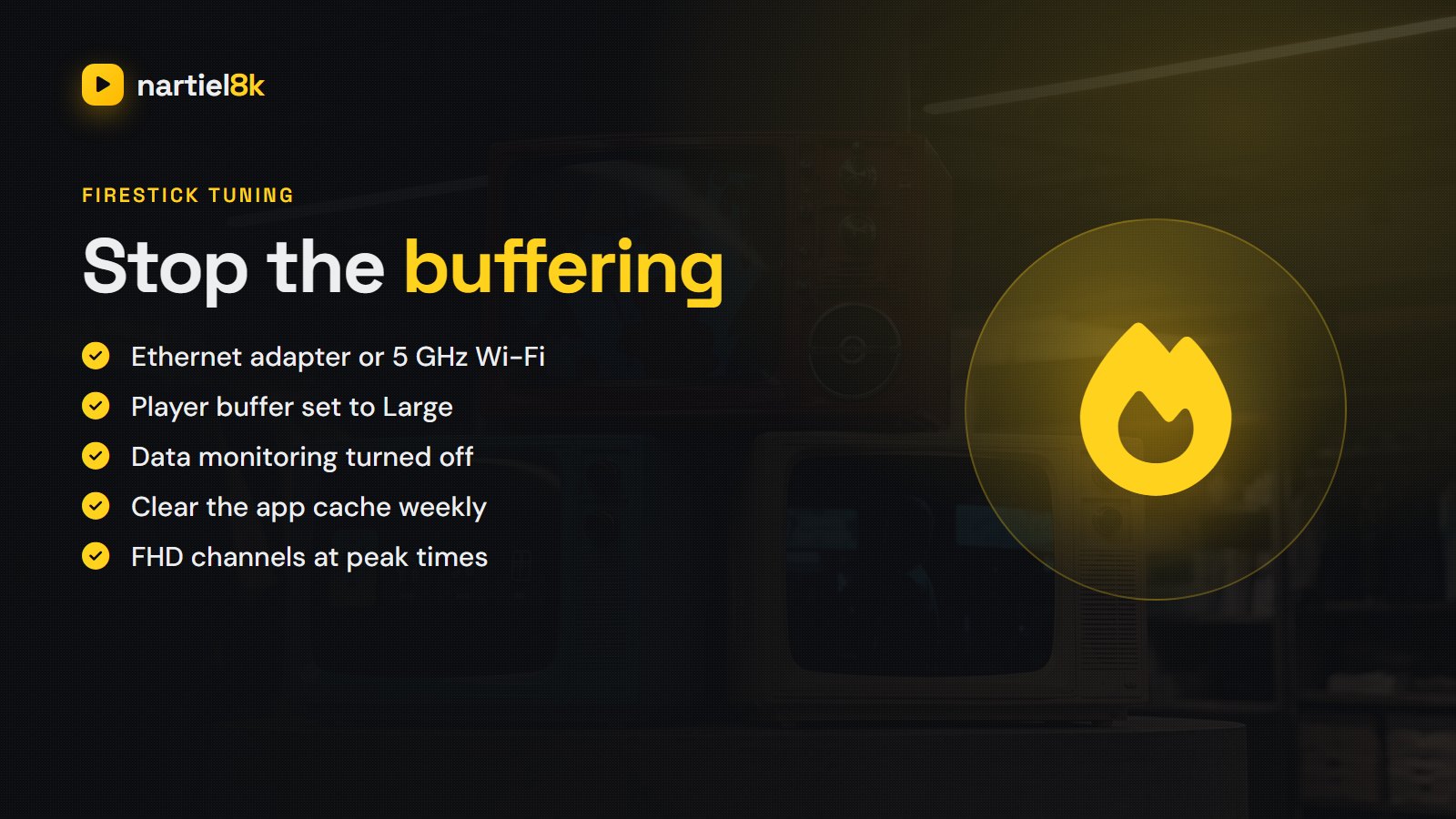
- Connection: an Ethernet adapter, or at least 5 GHz Wi-Fi. A stick behind the TV on 2.4 GHz is the number-one cause of buffering.
- Player buffer: in TiviMate go to Settings, Playback, Buffer size and choose Large; in Smarters go to Settings, Player selection and try the native player.
- Turn off data monitoring: Settings, Preferences, Data Monitoring, OFF. It can throttle streaming.
- Clear cache weekly: Settings, Applications, Manage Installed Applications, your player, Clear cache.
- Pick FHD at peak times if your speed is close to the 25 Mbps needed for 4K.
Which Fire TV is best for Nartiel8K?
The Fire TV Stick 4K Max is the sweet spot: Wi-Fi 6, enough memory for TiviMate’s guide, and smooth 4K. The basic HD stick works well for Full HD channels. The Fire TV Cube is fastest of all and has an Ethernet port built in. Very old first-generation sticks can be sluggish with large channel lists; hide the countries you do not watch in the app’s group settings to speed them up.
More screens
You can install Nartiel8K on as many Firesticks as you like with the same login, but each plan includes one connection, meaning one stream at a time. If the family wants to watch on two or three TVs at once, ask us to add connections. For Samsung, LG, Android TV, Apple TV and MAG, see the full setup guide.
Frequently asked questions
There is no separate Nartiel8K app to sideload. You install a trusted player such as TiviMate or IPTV Smarters Pro and log in with the Xtream Codes details we send you.
Install Downloader from the Amazon store, allow it to install unknown apps in Developer options, install TiviMate or IPTV Smarters Pro, then log in with the server URL, username and password from your Nartiel8K message.
TiviMate has the best TV guide and recording features; IPTV Smarters Pro is the simplest and free. Both work with the same Nartiel8K login.
Usually weak Wi-Fi. Use an Ethernet adapter or 5 GHz Wi-Fi, set the player buffer to large, turn off data monitoring and clear the app cache.
Yes, on Full HD channels. For 4K you need the Fire TV Stick 4K, 4K Max or the Fire TV Cube.
You can install it on both, but one plan streams on one screen at a time. Ask us to add a connection if you want to watch on both simultaneously.
Related Nartiel8K guides
- How to install IPTV on Firestick — the general guide with screenshots.
- Best IPTV player apps — TiviMate, Smarters and the rest compared.
- Nartiel8K activation — what happens after you order.
Related reading
Typical IPTV prices per month and per year, the hidden extras nobody mentions, and how IPTV…
Every regional hockey feed, English and French channels, the US networks and fair pricing — what…