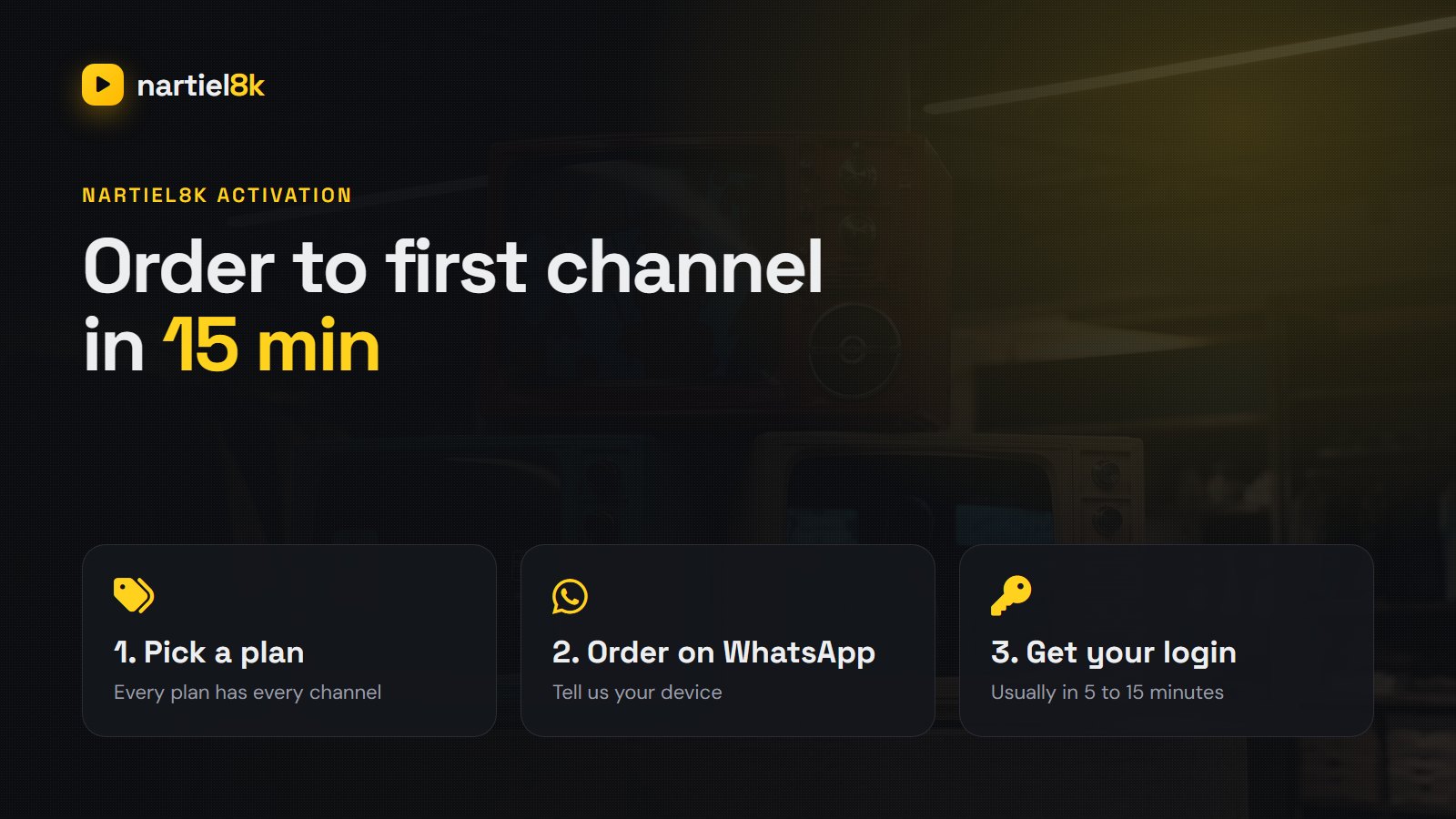
Nartiel8K activation is the step between paying and watching, and it is the part people worry about most: how long does it take, what will you receive, and what do you do with it? Here is the whole process from start to finish. Most customers are watching within 15 minutes of ordering.
Quick takeaways
- Order through the WhatsApp button and tell us your device; we send the right login type for it.
- Activation usually takes 5 to 15 minutes, any day of the week.
- You receive Xtream Codes details, an M3U link or a MAC activation, depending on your device.
- Not sure yet? Start with the free 24-hour trial; activation works exactly the same way.
How activation works, step by step
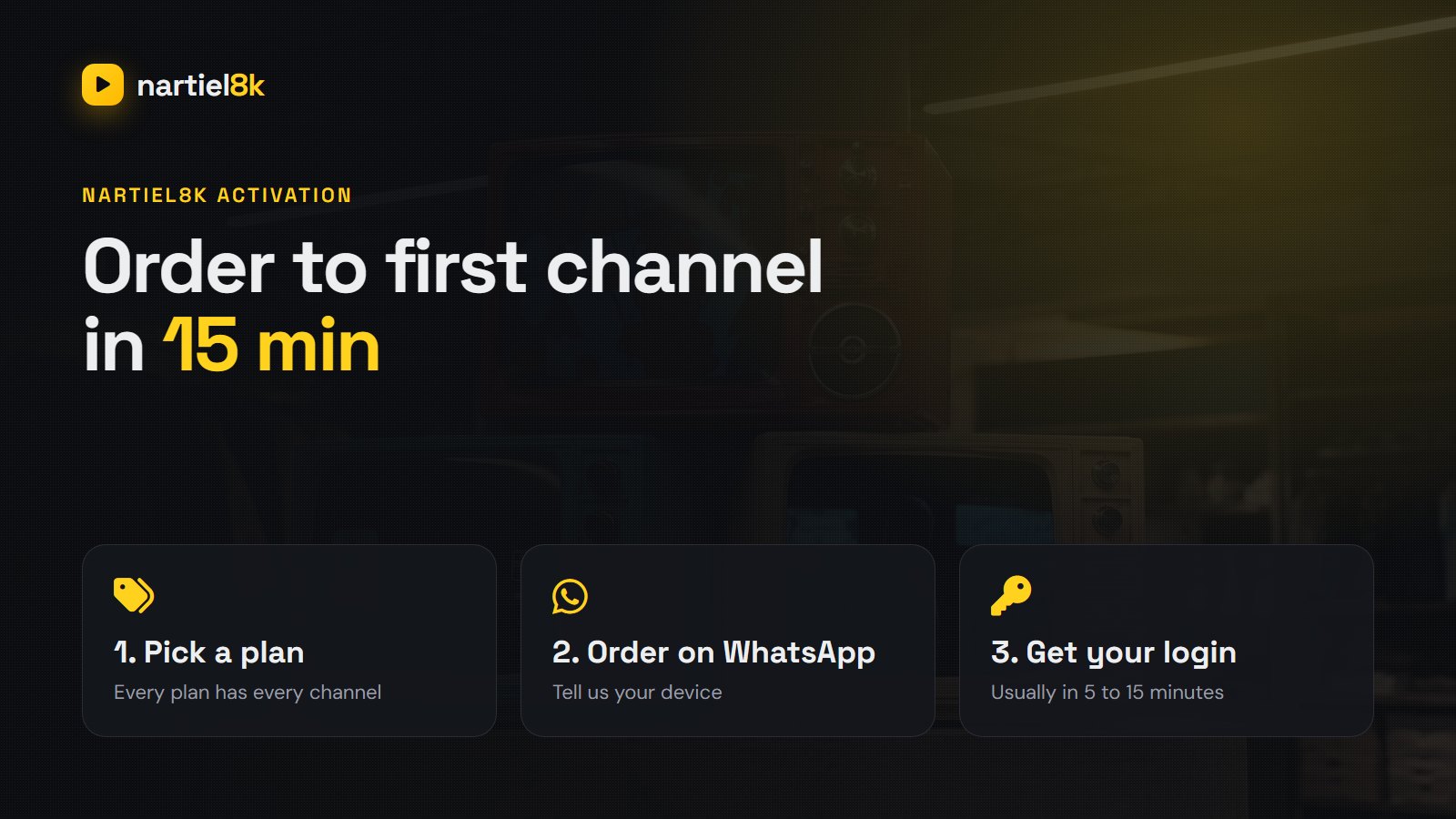
- Choose a plan on the pricing page: 1, 3, 6 or 12 months, 2 or 3 years, or lifetime. Every plan has the same channels; longer plans simply cost less per month.
- Tap the WhatsApp button on the plan. A message opens with the plan already filled in.
- Tell us your device: Firestick, Samsung, LG, Android TV, iPhone, MAG, PC. This decides which login type we create for you.
- Pay using the payment link we send in the chat. It is a one-time payment and nothing renews automatically.
- Receive your login in the same WhatsApp chat, usually 5 to 15 minutes later.
- Enter it in your player app and the channels, movies and TV guide load in a minute or two.
What you receive
| Login type | What it contains | Best for |
|---|---|---|
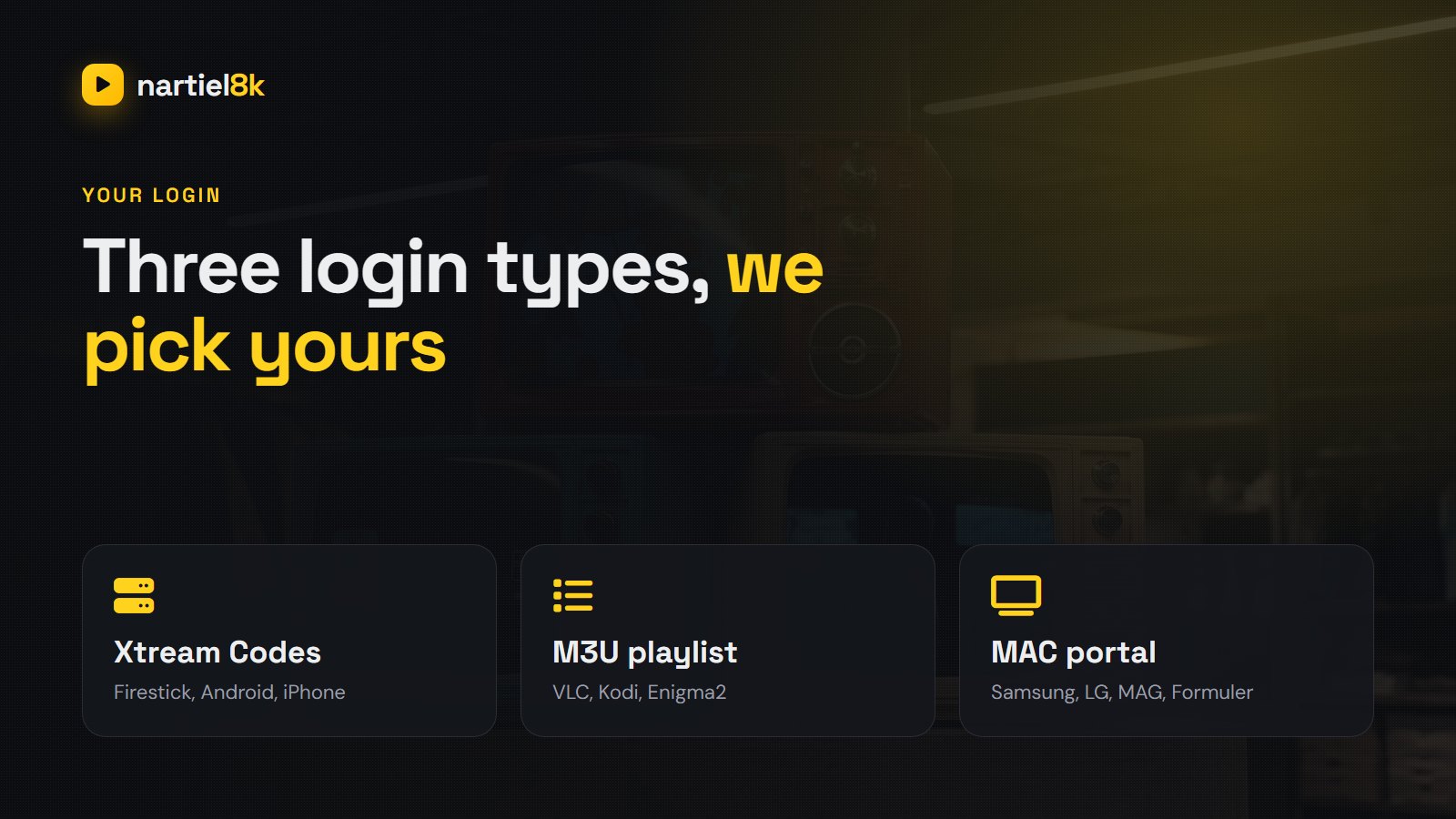
| Xtream Codes | Server URL, username, password | IPTV Smarters Pro, TiviMate, XCIPTV, GSE (Firestick, Android, iPhone) |
| M3U playlist | One long URL plus an EPG (TV guide) URL | VLC, Kodi, Enigma2, any basic player |
| MAC activation | We link the line to your device MAC address | Samsung and LG TVs (IBO Player, Smart IPTV), MAG and Formuler boxes |
If you are not sure which you need, just tell us the TV or box you are using. We pick the login type, and if you later change device we can switch it for you.
How long does Nartiel8K activation take?
Usually 5 to 15 minutes after payment is confirmed. MAC activations for Samsung, LG and MAG can take a few minutes longer, because we need the MAC address from your screen first. Send a clear photo of it to avoid typos (the letter O and the number 0 are the classic mix-up). Late at night or during a huge event it can occasionally stretch to an hour; if you have not heard back by then, send a quick follow-up in the same chat.
Activating on your device
Firestick, Android TV, iPhone (Xtream Codes)
Install IPTV Smarters Pro or TiviMate, choose Login with Xtream Codes API, and type in the server URL, username and password exactly as sent. The step-by-step for the Fire TV is in Nartiel8K on Firestick.
Samsung and LG (MAC)
Install IBO Player (or Smart IPTV) from the TV’s app store, open it and note the MAC address and device key on screen. Send us a photo; once we confirm, restart the app and the channels appear.
MAG and Formuler boxes (portal)
Go to Settings, Servers, Portals, enter the portal URL we send, and reboot the box. The MAC printed on the box sticker is the one we activate.
Every other device, including PC, Mac and Enigma2, is covered in the full setup guide.
Renewing and upgrading
Because nothing renews automatically, you will get a reminder before your plan ends. To renew, message us in the same chat. Your login stays the same, so you do not have to set anything up again, and your favourites and settings stay where they were. To add a second or third screen, ask for extra connections at any time.
Trial first, if you prefer
The free 24-hour trial is activated the same way and gives you the full line-up. Many people use it to confirm their device and connection are up to it, then order the plan. When you buy, we simply extend the same login.
Frequently asked questions
Usually 5 to 15 minutes after payment is confirmed. MAC activations for Samsung, LG and MAG devices can take a few minutes longer because we need the MAC address from your screen first.
Choose a plan on the pricing page, tap the WhatsApp button, tell us your device and pay with the link we send. Your login arrives in the same chat, and you enter it in your player app.
Depending on your device it is Xtream Codes details (server URL, username, password), an M3U playlist link, or a MAC activation of your TV or box. We choose the right one when you tell us your device.
No. Renewing extends the same login, so the app keeps all your settings and favourites. Nothing needs to be set up again.
Yes. For Xtream and M3U logins just enter the same details on the new device. For MAC-based apps send us the new MAC address and we will move the activation across.
Yes. Request it on WhatsApp, tell us your device and you receive a 24-hour login with the full channel list. No card is needed.
Related Nartiel8K guides
- Nartiel8K setup guide — every device, step by step.
- Nartiel8K not working? — fixes for login and buffering problems.
Related reading
VLC plays IPTV for free on almost any device. Open an M3U link, see the channel…
Xtream Codes login, EPG, buffering fixes and the hidden features — every device covered.