The best streaming device for IPTV is not the most expensive one. It is the one with enough memory to hold a big channel list, a stable network connection, and access to the player app you want to use. A $50 box that does those three things will beat a $200 one that does not.
Below we compare the devices people actually use for IPTV in 2026 — Amazon Fire TV sticks, Google TV and Android TV boxes, the Nvidia Shield, Apple TV, smart TV apps and dedicated MAG and Formuler boxes — and finish with a quick pick for each type of household.
Quick takeaways
- Best all-round: a Google TV or Android TV box with an Ethernet port, such as the Google TV Streamer or the onn 4K Pro.
- Best budget: an Amazon Fire TV Stick 4K or 4K Max — but check the model runs Fire OS, not the new Vega OS.
- Best premium: the Nvidia Shield TV Pro. Best for Apple homes: Apple TV 4K.
- Wired Ethernet improves IPTV more than any upgrade to the box itself.
What actually matters in an IPTV device
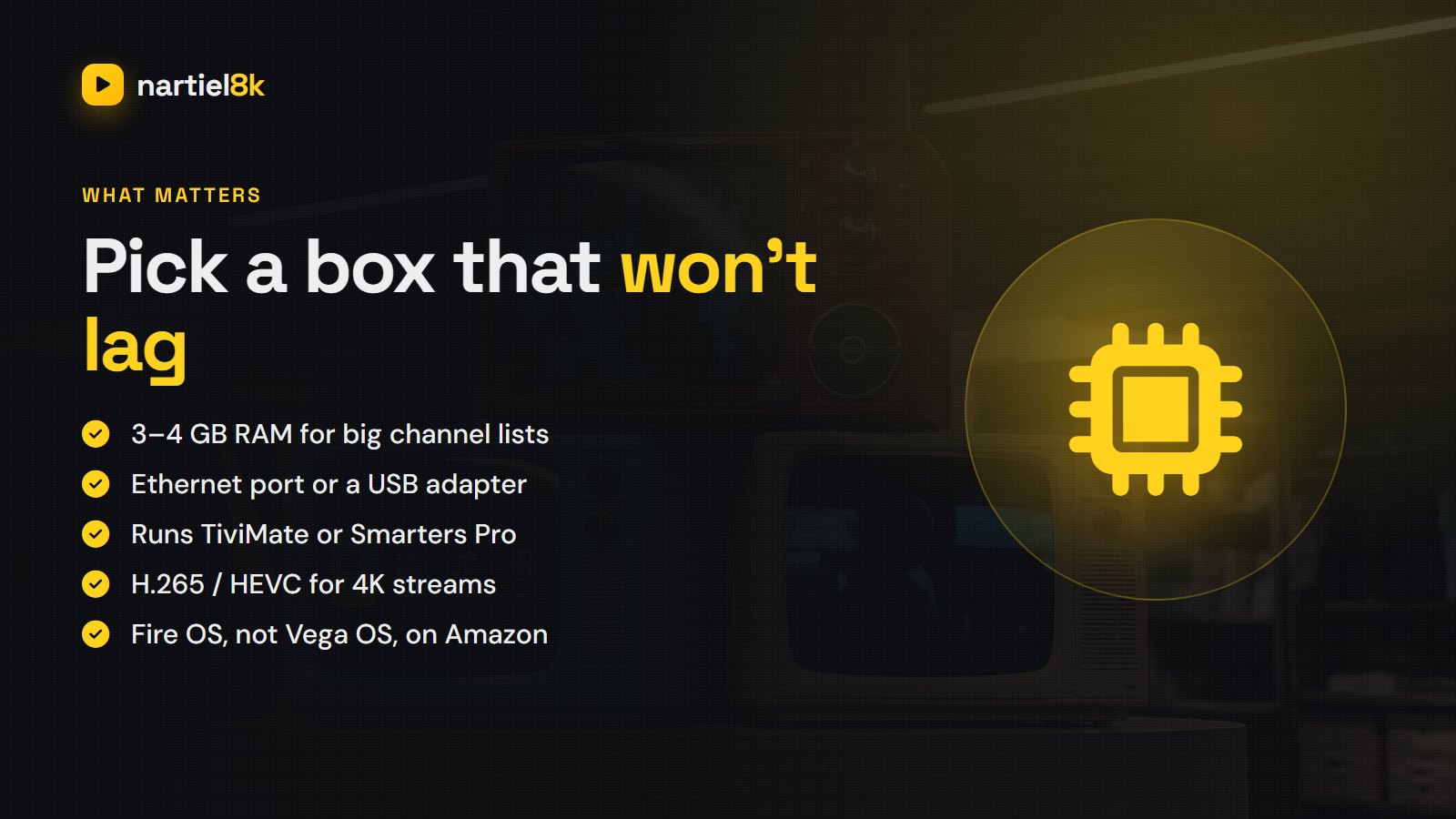
- Memory (RAM). A full IPTV playlist can hold tens of thousands of channels plus a week of TV guide data. Devices with 1.5 GB of RAM or less lag when you scroll the guide. Aim for 2 GB at minimum, 3–4 GB for a smooth experience.
- Ethernet. A wired connection is the single best fix for buffering during live sport. Boxes with a built-in port win here; sticks need a USB adapter.
- App support. Android-based devices run the widest range of players, including TiviMate. Apple has its own App Store players. Samsung and LG TVs are the most limited.
- Video codecs. 4K streams usually use H.265 (HEVC). Every current device on this list handles it; very old boxes may not.
- Storage. 8 GB is fine for apps; 16–32 GB helps if you want to record.
IPTV devices compared
| Device | Approx. US price | RAM | Ethernet | Best IPTV app | Verdict |
|---|---|---|---|---|---|
| Fire TV Stick 4K Max (2nd gen) | ~$60 | 2 GB | USB adapter | TiviMate, Smarters | Best stick |
| Fire TV Stick 4K (2nd gen) | ~$50 | 2 GB | USB adapter | Smarters, TiviMate | Best budget |
| Google TV Streamer | ~$100 | 4 GB | Built in | TiviMate | Best all-round |
| onn 4K Pro (Walmart) | ~$50 | 3 GB | Built in | TiviMate | Best value |
| Nvidia Shield TV Pro | ~$200 | 3 GB | Built in | TiviMate | Best premium |
| Apple TV 4K | from ~$129 | 4 GB | Higher model only | IPTVX, iPlayTV | Best for Apple homes |
| Formuler / MAG box | ~$60–$150 | Varies | Built in | MyTVOnline / portal | Plug and play |
| Samsung / LG smart TV app | $0 | — | TV’s own port | IBO Player and similar | No extra box |
Prices are approximate US list prices and move around a lot during sales; check the current price before buying.
Amazon Fire TV Stick — the popular choice
The Firestick is the device most people use for IPTV because it is cheap, it hides behind the TV, and it runs IPTV Smarters Pro and TiviMate. Apps that are not in the Amazon Appstore are installed with the free Downloader app; our Firestick IPTV guide walks through it in five steps.
One important warning for 2026: Amazon’s newer Fire TV Stick 4K Select runs Vega OS instead of the Android-based Fire OS, and it does not accept side-loaded Android apps. If you want a Firestick for IPTV, buy a Fire TV Stick 4K or 4K Max (2nd generation), which still run Fire OS, and check the listing before you pay.
The weak spot is the network. Sticks rely on Wi-Fi, and Wi-Fi behind a TV is often poor. A USB Ethernet adapter costs about $15–$20 and makes a bigger difference to live sport than moving up a model.
Google TV and Android TV boxes — the best all-rounder
Android-based boxes are the easiest route to a great IPTV setup because TiviMate and IPTV Smarters Pro are in the Google Play Store — no side-loading. The Google TV Streamer has 4 GB of RAM and a built-in Ethernet port, which is exactly what a large channel list needs. Walmart’s onn 4K Pro offers 3 GB of RAM and Ethernet for about half the price, and it is the best value box on this list if you are in the US.
If you still own a Chromecast with Google TV, it works fine for IPTV even though Google has stopped selling it; add a USB-C hub with Ethernet if you get buffering.
Nvidia Shield TV Pro — the premium pick
The Shield TV Pro is an old design, but it remains the fastest Android TV box for IPTV: snappy menus with huge playlists, Gigabit Ethernet, USB ports for recording to a drive, and AI upscaling that makes HD channels look sharper on a 4K TV. It is expensive, and most people will not need it. If you record a lot with TiviMate or run Plex as well, it earns its price; see how to add IPTV to Plex.
Apple TV 4K — best if your home runs on Apple
Apple TV gives the smoothest, most polished picture of any device here, and it works neatly with iPhones and iPads. The catch is app choice: TiviMate is not available, so you use App Store players such as IPTVX or iPlayTV, most of which charge a small fee. Buy the model with the Ethernet port if you watch a lot of live sport.
Smart TV apps (Samsung, LG) — no extra box
Samsung (Tizen) and LG (webOS) TVs can run IPTV players from their own app stores, such as IBO Player. Many of these apps are activated with the TV’s MAC address and charge a small yearly or one-off fee. It is the cheapest setup because you buy nothing, but TV processors are slower than a good streaming box and app updates are less frequent. Fine for casual viewing; less good for heavy sport.
MAG and Formuler boxes — dedicated IPTV boxes
These boxes are built for IPTV and nothing else, which makes them simple for anyone who just wants “TV”. MAG boxes log in through a portal URL tied to the box’s MAC address. Formuler boxes run Android with the MyTVOnline app, which is one of the nicest IPTV interfaces around. The downside is flexibility: you are tied to portal logins, and older MAG models feel slow.
Phones, tablets and computers
Any phone, tablet or laptop can play IPTV, which is handy for travel or a second room. On Windows and Mac, the free VLC player opens an M3U link in seconds; see how to watch IPTV on VLC. On Android, IPTV Smarters Pro and TiviMate’s mobile version work well.
What about Roku?
Roku is the weakest choice for IPTV. Its channel store does not carry the common IPTV players, so most Roku owners end up mirroring a phone to the TV, which looks worse and drains the phone. If you have a Roku TV, a $50 Google TV or Fire TV stick plugged into a spare HDMI port is the better route.
Which device should you buy?
| If you are… | Buy this |
|---|---|
| On a tight budget, one TV | Fire TV Stick 4K (2nd gen, Fire OS) |
| After the best overall experience | Google TV Streamer or onn 4K Pro with TiviMate |
| A sports fan who hates buffering | Anything with Ethernet; the Shield TV Pro if budget allows |
| An Apple household | Apple TV 4K, the Ethernet model |
| Setting up TV for an older relative | A Formuler box or your smart TV’s own app |
Wired vs wireless: the upgrade that matters more than the box
If you only change one thing, run an Ethernet cable to the device or add a USB Ethernet adapter. Live channels cannot buffer far ahead the way Netflix does, so short Wi-Fi drops show up as freezes. If a cable is impossible, use the 5 GHz band and keep the router within a room or two of the TV. Our buffering guide covers the rest.
Every device on this page works with a Nartiel8K line. Not sure yours will cope? Start with the free 24-hour trial and test it on the TV you actually watch.
Frequently asked questions
For most people, a Google TV or Android TV box with an Ethernet port, such as the Google TV Streamer or onn 4K Pro, running TiviMate. On a budget, a Fire TV Stick 4K or 4K Max running Fire OS is the popular choice.
Yes. The Fire TV Stick 4K and 4K Max (2nd generation) run all the main IPTV players. Avoid the Vega OS models such as the 4K Select, which do not allow side-loaded Android apps, and add an Ethernet adapter if you get buffering.
No, but it helps. Android and Google TV devices offer the widest choice of IPTV apps, including TiviMate. Apple TV, smart TVs, MAG boxes, phones and computers all work too.
Yes. Samsung and LG TVs can install IPTV player apps such as IBO Player from their app stores. Performance is usually a little slower than a good streaming box.
At least 2 GB. With 3 to 4 GB, large playlists and a full week of TV guide data scroll smoothly. Devices with 1.5 GB or less tend to lag in the guide.
Not well. Roku does not carry the common IPTV players, so most owners mirror a phone instead. A cheap Google TV or Fire TV stick is the better option.
Related reading
EPG is the TV guide in your IPTV app. Where it comes from, why it goes…
TiviMate setup with Nartiel8K: install it on Firestick or Android TV, log in with Xtream Codes,…