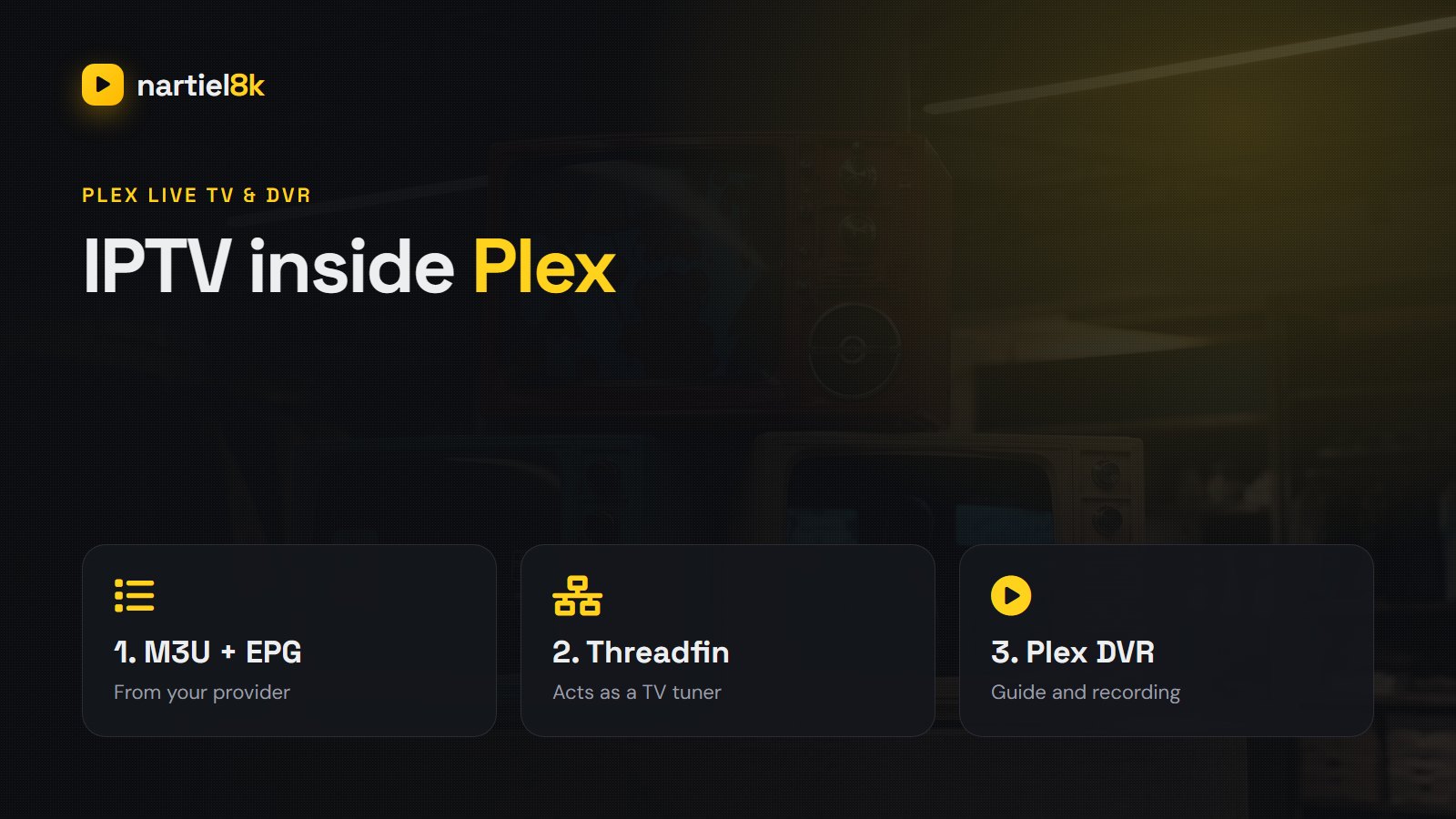
Plex is brilliant at organising a media library, and its Live TV & DVR section adds a proper channel guide and recording. The catch: Plex only talks to TV tuners such as an HDHomeRun. There is no box where you can paste an M3U link. To add IPTV to Plex, you run a small free program that pretends to be a tuner and feeds Plex your IPTV channels and TV guide.
This guide uses Threadfin, the actively maintained successor to xTeVe. It runs on Windows, macOS, Linux or a NAS, and once it is set up your IPTV channels appear in every Plex app, on every screen, with a full guide.
Quick takeaways
- Plex cannot import an M3U playlist directly; it needs a tuner emulator in between.
- Threadfin (free and open source) presents your IPTV channels to Plex as a virtual HDHomeRun tuner.
- Plex Live TV & DVR with your own tuner needs a Plex Pass.
- Keep the channel list lean: a few hundred channels, not tens of thousands.
What you need
- A Plex Media Server on a computer or NAS that stays on. The Plex app alone is not enough.
- A Plex Pass. Live TV & DVR with your own tuner is a Plex Pass feature.
- Your IPTV M3U link and XMLTV guide link, or an Xtream Codes login to build them from.
- Threadfin, on the same machine as Plex or any always-on machine on the same network. Docker is the easiest way to run it.
How it fits together
Your IPTV provider supplies two things: an M3U playlist (the channels) and an XMLTV file (the TV guide). Threadfin downloads both, lets you choose which channels to keep, matches each channel to its guide data, and then announces itself on your network as an HDHomeRun tuner. Plex finds that “tuner”, reads the channel list and guide, and streams through it whenever someone presses play.
Step 1 — Get your M3U and EPG links
If your provider gave you an M3U link and an EPG (XMLTV) link, you are set. If you have an Xtream Codes login instead, most providers’ servers build both links from it. Replace SERVER:PORT, USER and PASS with your own details:
M3U:  http://SERVER:PORT/get.php?username=USER&password=PASS&type=m3u_plus&output=ts
EPG:  http://SERVER:PORT/xmltv.php?username=USER&password=PASS
output=ts asks for MPEG-TS streams, which Plex handles well. If a channel will not play later, try output=m3u8 instead. Not sure what an EPG is? See what EPG means on IPTV.
Step 2 — Install Threadfin
With Docker, one command does it. Change the folder paths to suit your system:
docker run -d --name threadfin
  -p 34400:34400
  -v /opt/threadfin/conf:/home/threadfin/conf
  -v /opt/threadfin/temp:/tmp/threadfin:rw
  --restart unless-stopped
  fyb3roptik/threadfin
Without Docker, download the build for your system from the Threadfin releases page on GitHub and run it. Either way, open http://YOUR-SERVER-IP:34400/web/ in a browser to reach the setup wizard.
Step 3 — Run the Threadfin setup wizard
- Tuners: set this to the number of connections your IPTV plan allows. On a single-connection plan, enter 1. Plex will never try to open more streams than this number.
- EPG source: choose XEPG, so Threadfin builds its own guide from your XMLTV file.
- Playlist: paste your M3U link.
- XMLTV: paste your EPG link.
Threadfin downloads both. On a large playlist this can take a few minutes.
Step 4 — Filter and map your channels (do not skip this)
A full IPTV playlist can contain tens of thousands of channels. Plex struggles well before that; with more than roughly 480 channels on one tuner, the channel scan tends to hang or fail. So:
- Open the Filter tab and add filters by group — for example the “UK Sports”, “UK Entertainment” or “USA News” groups — so only the categories you watch come through.
- Open the Mapping tab. Activate the channels you want, check that each one is matched to the right XMLTV channel (Threadfin matches many automatically by
tvg-id), and give them channel numbers. - Save.
Step 5 — Turn on the buffer
In Settings → Buffer, choose FFmpeg or Threadfin’s own buffer instead of “no buffer”. With a buffer, Threadfin opens one connection per channel and shares it with every Plex viewer watching that channel, which saves connections and smooths out short network hiccups. The default buffer size is fine to start with.
Step 6 — Add Threadfin to Plex
- In Plex Web, open Settings, pick your server, then Live TV & DVR → Set Up Plex DVR.
- Plex scans for tuners. If Threadfin does not appear, click “Don’t see your HDHomeRun device? Enter its network address manually” and type
YOUR-SERVER-IP:34400. - Connect, then confirm the channel list.
- When Plex asks for a postcode or zip code for the guide, choose the option to use an XMLTV guide instead, and enter
http://YOUR-SERVER-IP:34400/xmltv/threadfin.xml. - Continue. Plex downloads the guide, which can take several minutes.
Step 7 — Watch, record and keep it tidy
Live TV now appears in the sidebar of every Plex app. You can browse the guide, watch, and schedule recordings, which land in your Plex library like any other video. Two bits of housekeeping keep it working: set Threadfin to update the playlist and guide on a schedule (once a day overnight is plenty), and after changing channels in Threadfin, refresh the guide in Plex’s Live TV & DVR settings.
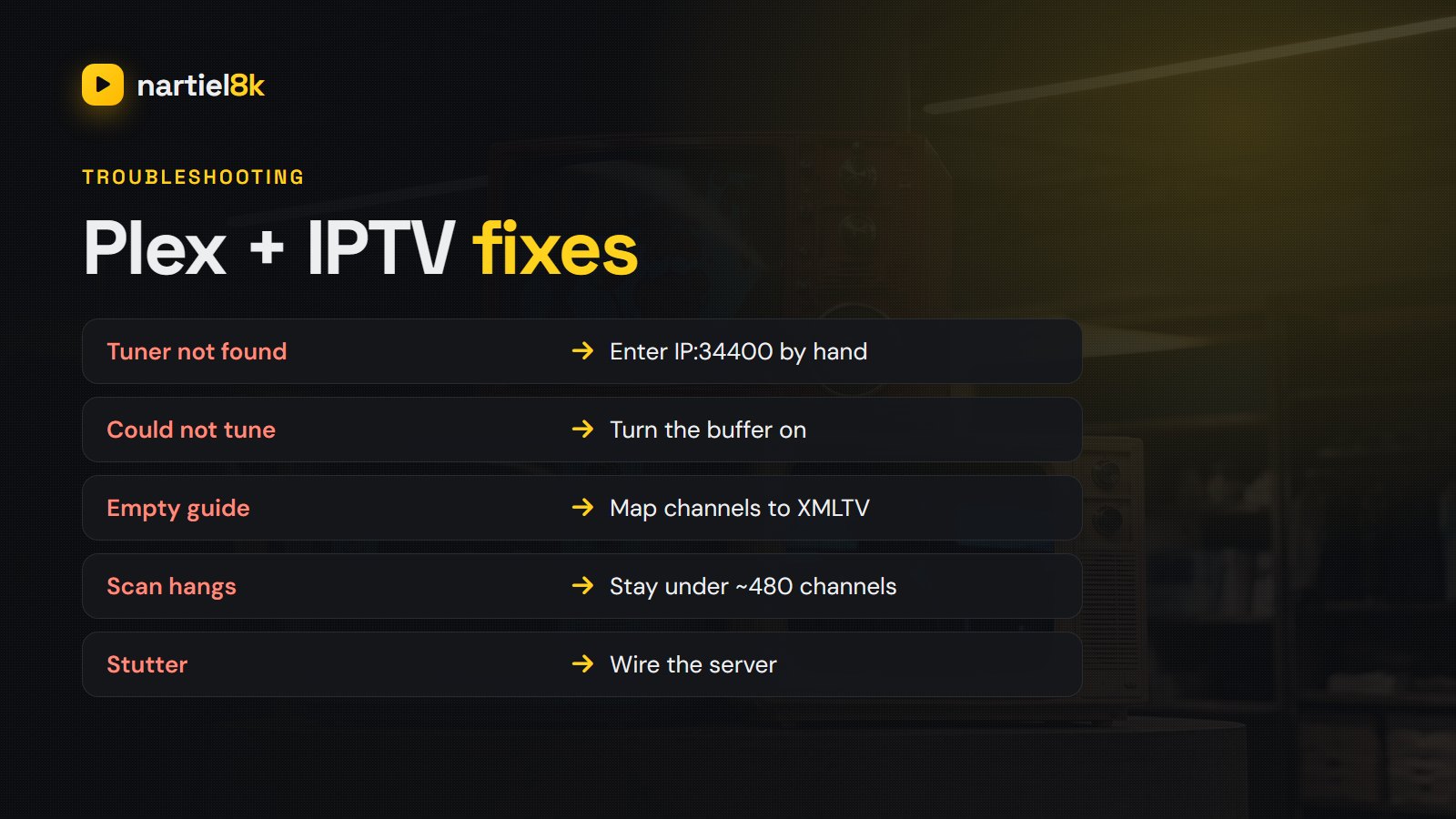
Troubleshooting
| Problem | Likely cause | Fix |
|---|---|---|
| Plex cannot find the tuner | Discovery blocked or a different network | Enter IP:34400 manually; open port 34400 in the firewall |
| “Could not tune channel” | Connection limit reached or no buffer | Match the tuner count to your plan, turn the buffer on, try output=ts |
| Guide empty or channels missing | Channels not mapped to XMLTV | Map them in Threadfin, update XMLTV, refresh the guide in Plex |
| Channel scan hangs | Too many channels | Filter down to a few hundred |
| Stuttering playback | Wi-Fi on the server or heavy transcoding | Wire the server; let clients play the original quality |
If the streams themselves buffer outside Plex too, the cause is the connection rather than Plex; our buffering guide covers that.
Alternatives if you do not want a Plex Pass
- Jellyfin — free and open source, and its Live TV section accepts an M3U tuner and an XMLTV guide directly. No Threadfin needed.
- Emby — also accepts M3U directly; Live TV needs Emby Premiere.
- Channels DVR — a paid, polished option with M3U support.
- A dedicated IPTV player — TiviMate on Android TV gives you a guide grid and recording with no server at all. See the best IPTV player apps.
A Nartiel8K login gives you both an M3U link and an XMLTV guide, so it drops straight into Threadfin. Try it first with the free 24-hour trial.
Frequently asked questions
No. Plex Live TV only works with tuners such as HDHomeRun. A tuner emulator like Threadfin or xTeVe sits in between and presents your M3U channels to Plex as a tuner.
Yes. Live TV and DVR with your own tuner, which is how IPTV is added, is a Plex Pass feature. Jellyfin is a free alternative that accepts M3U directly.
Threadfin is a fork of xTeVe that is still actively maintained. The setup is almost identical, so older xTeVe guides still make sense.
Keep it to a few hundred. With more than roughly 480 channels on one tuner, the Plex channel scan tends to hang or fail, so filter the playlist in Threadfin first.
Yes. Once Threadfin is added as a tuner, Plex DVR can record shows from the guide into your library. Each recording uses one IPTV connection while it runs.
Yes, through Plex remote access, but it uses your home upload speed and the server may need to transcode, so quality depends on your connection.
Related reading
TiviMate setup with Nartiel8K: install it on Firestick or Android TV, log in with Xtream Codes,…
Local networks, NFL & NBA, Latino channels and fair pricing — what US viewers should demand.