This is the complete Nartiel8K setup guide: what your login details mean, which of the three login types to use on which device, and the exact steps for Firestick, Samsung and LG Smart TVs, Android TV, iPhone and Apple TV, MAG boxes and computers. Most people go from “order sent” to “watching” in under ten minutes. If anything below does not match what you see, message support on WhatsApp — a person will walk you through it live.
Quick takeaways
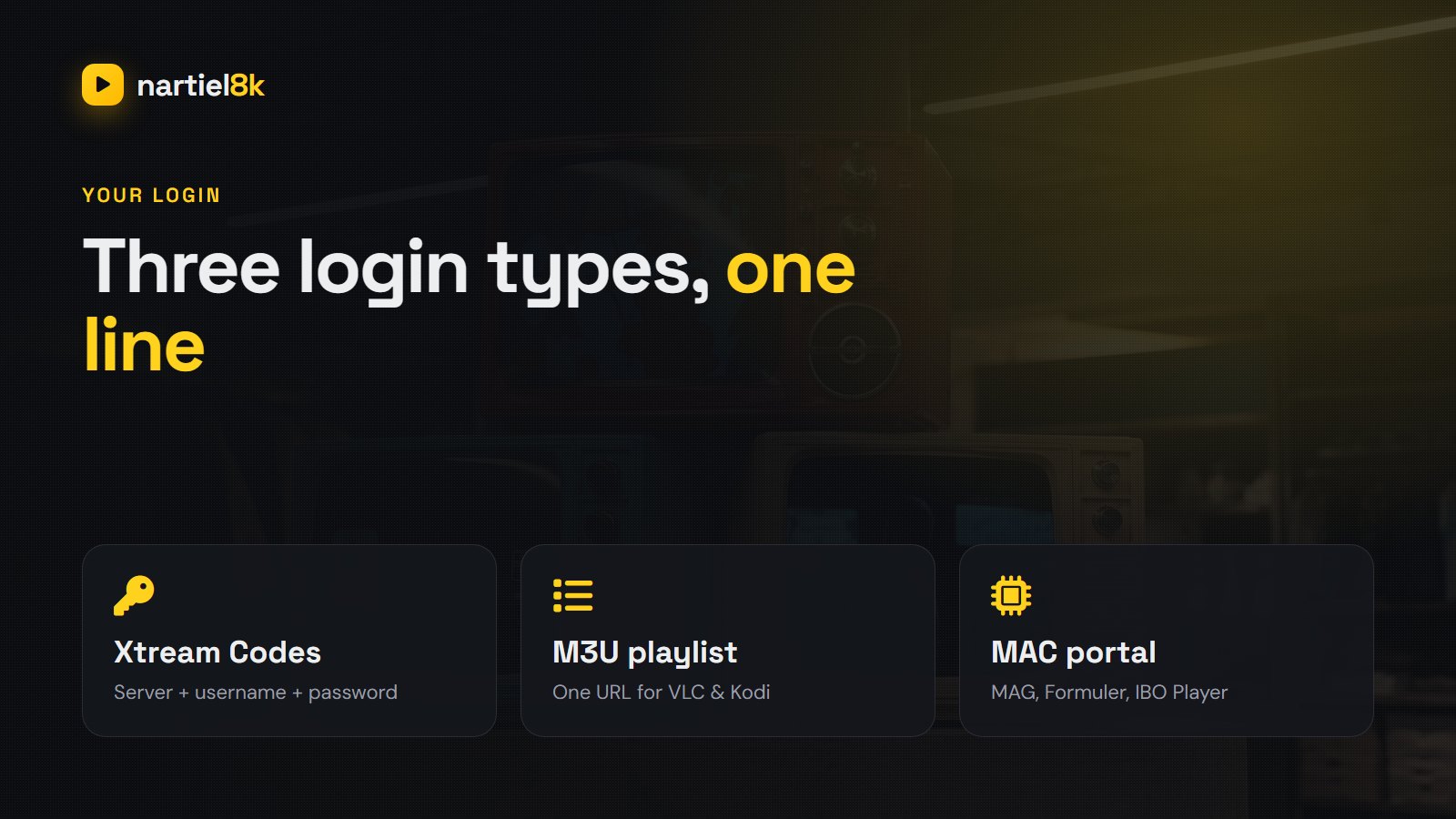
- Your Nartiel8K line works in three formats: Xtream Codes (apps), M3U playlist (VLC, Kodi) and MAC portal (MAG, Formuler, IBO Player).
- Use Xtream Codes wherever the app supports it — it loads the TV guide, catch-up and the movie library automatically.
- Samsung and LG TVs use your TV’s MAC address: you send it to us, we activate it.
- One subscription can move between devices; extra simultaneous screens can be added to your plan.
What you receive when you order Nartiel8K
When your order is confirmed, we send your Nartiel8K line on WhatsApp, usually within 5–15 minutes. Depending on the device you told us about, it contains some or all of the following:
| Login type | What it looks like | Use it on |
|---|---|---|
| Xtream Codes | Server URL + username + password | IPTV Smarters Pro, TiviMate, XCIPTV, GSE, iMPlayer |
| M3U playlist | One long URL ending in type=m3u_plus |
VLC, Kodi (PVR IPTV Simple), Enigma2 |
| MAC portal | Portal URL, activated on your device’s MAC address | MAG, Formuler, IBO Player, Smart IPTV |
| EPG URL | A URL ending in xmltv.php |
Only needed in M3U players |
Keep the message somewhere safe. The same details work on any supported device, so when you buy a new TV or Firestick you simply enter them again — no new subscription needed.
Which login type should you use?
Xtream Codes is the best choice on almost every device. It is not just a playlist: the app asks the server for the live channels, the movie and series library, the 7-day TV guide and catch-up separately, so everything stays organised and updates itself. Use the M3U playlist only in players that do not support Xtream (VLC, Kodi, some set-top boxes) and add the EPG URL alongside it. Use the MAC portal for MAG and Formuler boxes, and for TV apps like IBO Player and Smart IPTV that activate by MAC address instead of a username.
Nartiel8K on Amazon Firestick and Fire TV
The Firestick is the most popular Nartiel8K device in the UK, USA and Canada. The player apps are not in the Amazon store, so you install them with the free Downloader app:
- On the Fire TV home screen go to Settings → My Fire TV → Developer options and turn on Apps from Unknown Sources (on newer sticks: Install unknown apps → Downloader → On). If Developer options is hidden, open About and click the device name seven times.
- Search for Downloader in the Amazon app store and install it.
- Open Downloader and enter the download code or URL of the player we send you — IPTV Smarters Pro or TiviMate.
- Install the player, open it and choose Login with Xtream Codes API.
- Enter any name, then the username, password and server URL exactly as we sent them, and press Add user.
The channels, movies and TV guide load in a minute or two. For the full walkthrough with screenshots, see how to install IPTV on Firestick.
Nartiel8K on Samsung and LG Smart TVs
Samsung (Tizen) and LG (webOS) TVs cannot sideload apps, so they use a player from the TV’s own app store that activates by MAC address:
- Open the Samsung Apps or LG Content Store and install IBO Player (or Smart IPTV).
- Open the app. It shows a MAC address and a device key on screen.
- Send us a photo of that screen on WhatsApp.
- We load your Nartiel8K line onto that MAC address. Restart the app and the channel list appears.
Some TV player apps charge their own small one-off activation fee after a free week — that goes to the app developer, not to Nartiel8K. If you would rather avoid it, a Firestick plugged into the TV is the cheapest alternative.
Nartiel8K on Android TV, Google TV and Nvidia Shield
Android TV boxes, Google TV (including Chromecast with Google TV), Nvidia Shield and Sony or TCL Android TVs give you the best experience, because they run TiviMate — the player most experienced IPTV users prefer. Install TiviMate from the Play Store, choose Add playlist → Xtream Codes, and enter your server URL, username and password. TiviMate builds a cable-style TV guide grid and supports catch-up and recording with TiviMate Premium. Android phones and tablets can use IPTV Smarters Pro from the Play Store in the same way.
Nartiel8K on iPhone, iPad and Apple TV
On Apple devices, install IPTV Smarters Pro or GSE Smart IPTV from the App Store (on Apple TV, iMPlayer and Smarters Player Lite also work well). Choose the Xtream Codes login, enter your details, and the line-up loads. AirPlay from an iPhone to an Apple TV works too, but a native app on the Apple TV gives a steadier picture for live sport.
Nartiel8K on MAG and Formuler boxes
MAG (254, 322, 424, 524) and Formuler boxes use a portal. Send us the MAC address printed on the sticker under the box. Once we have activated it, go to Settings → Servers → Portals, enter Nartiel8K as the portal name and the portal URL we sent you, save, and reboot. The box starts straight into the Nartiel8K interface.
Nartiel8K on Windows and Mac
On a computer the quickest option is VLC: open Media → Open Network Stream and paste your M3U URL. For a proper interface with the TV guide and the movie library, install the IPTV Smarters desktop app for Windows or macOS and use the Xtream login. A browser is not a good player for IPTV — use an app.
Setting up the TV guide (EPG) and catch-up
With an Xtream login the 7-day TV guide loads automatically. If the guide is empty, open the app’s settings and choose Refresh EPG or Update guide, then give it a minute. With an M3U playlist, add the EPG URL we sent in the player’s EPG or “XMLTV” field. Catch-up appears on channels marked with a clock or rewind icon — open the channel’s guide, pick a programme from the past seven days, and press play.
Nartiel8K login problems and how to fix them
| What you see | What to do |
|---|---|
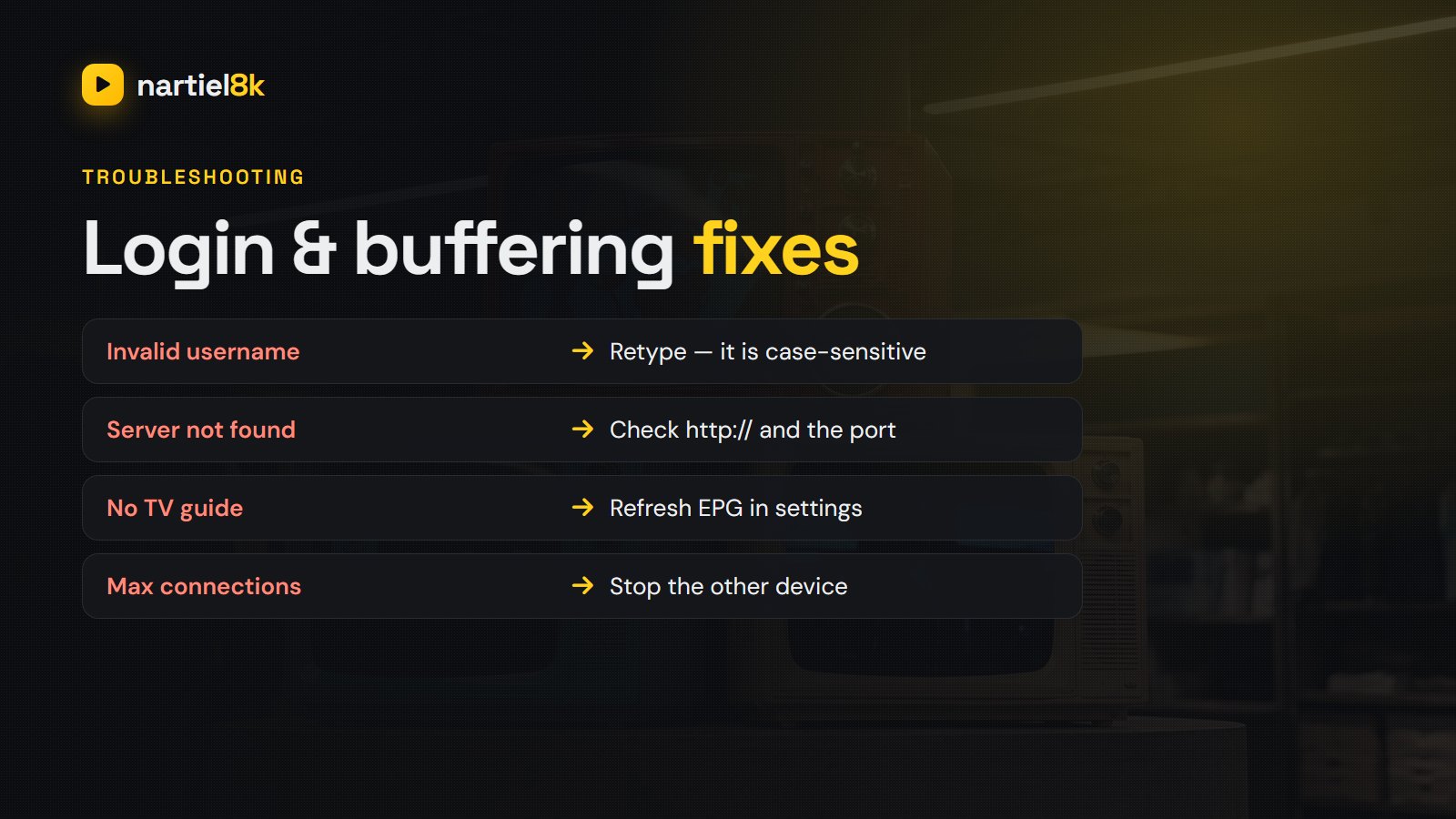
| “Invalid username or password” | Retype the details — they are case-sensitive and a trailing space breaks them. Copy and paste if you can. |
| “Server not found” / cannot connect | Check the server URL includes http:// and the port number exactly as sent. |
| Channels load but no TV guide | Refresh the EPG in settings and wait a minute; with M3U, add the EPG URL. |
| “Max connections reached” | The line is playing on another device. Stop it there, or ask us to add another connection. |
| Buffering on one channel only | Try the HD version of the channel, or switch the player to the other stream format in settings. |
| Buffering on every channel | It is usually the Wi-Fi. Follow our 12 buffering fixes. |
Moving Nartiel8K to a new device
Your subscription belongs to you, not to a device. To move it, install a player on the new device and enter the same Xtream details — that is all. For MAC-based devices (MAG, Formuler, IBO Player, Smart IPTV) send us the new MAC address and we move the line across, usually within minutes. If you want to watch on the old and the new device at the same time, ask for an extra connection.
Which player app should you choose?
If you are not sure, start with IPTV Smarters Pro — it is free, runs on nearly everything and is the app our support team knows best. Move to TiviMate on Android TV or Firestick once you want a faster guide and recording. Our comparison of the best IPTV player apps and the full IPTV Smarters Pro guide go deeper.
The bottom line
Setting up Nartiel8K comes down to one decision — which login type your device uses — and about ten minutes of typing. Use Xtream Codes wherever you can, MAC activation on Samsung, LG and MAG, and the M3U link only where nothing else works. If you have not ordered yet, start with the free 24-hour trial and set it up on the TV you will actually use; if you have, and something is not working, send us a message and a person will sort it out with you.
Frequently asked questions
They are in the WhatsApp message we send when your order is activated: a server URL, a username and a password for Xtream Codes, plus an M3U link, or a portal URL for MAC devices. Ask support to resend them at any time.
IPTV Smarters Pro is the easiest to start with and works on almost every device. TiviMate is the best on Android TV and Firestick. On Samsung and LG TVs use IBO Player or Smart IPTV.
Nartiel8K works with the standard IPTV player apps rather than a locked-in app of its own, which means you can use the player you like best on any device and switch whenever you want.
Every plan includes one connection, meaning one stream at a time. You can install it on as many devices as you like, and extra simultaneous connections can be added if you want to watch on several screens at once.
Almost always a typing error: the details are case-sensitive, and an extra space at the end breaks them. Copy and paste them from our message, check the server URL includes the port, and if it still fails send us a screenshot.
With an Xtream login the 7-day guide loads automatically — use Refresh EPG in the app settings if it is empty. With an M3U playlist, add the EPG URL we sent into the player’s EPG field.
Other guides and services
If you are comparing providers before you set anything up, these are worth a look:
- StrimoIPTV — uses the same Xtream Codes login flow.
- KiloTV — publishes its own device setup notes.
- TrendyScreen — a sister service supporting the same apps.
Related reading
No jailbreak, no jargon — five simple steps to get watching on your Firestick in ten…
Seven players tested on the devices people own — which app belongs on a Firestick, an…