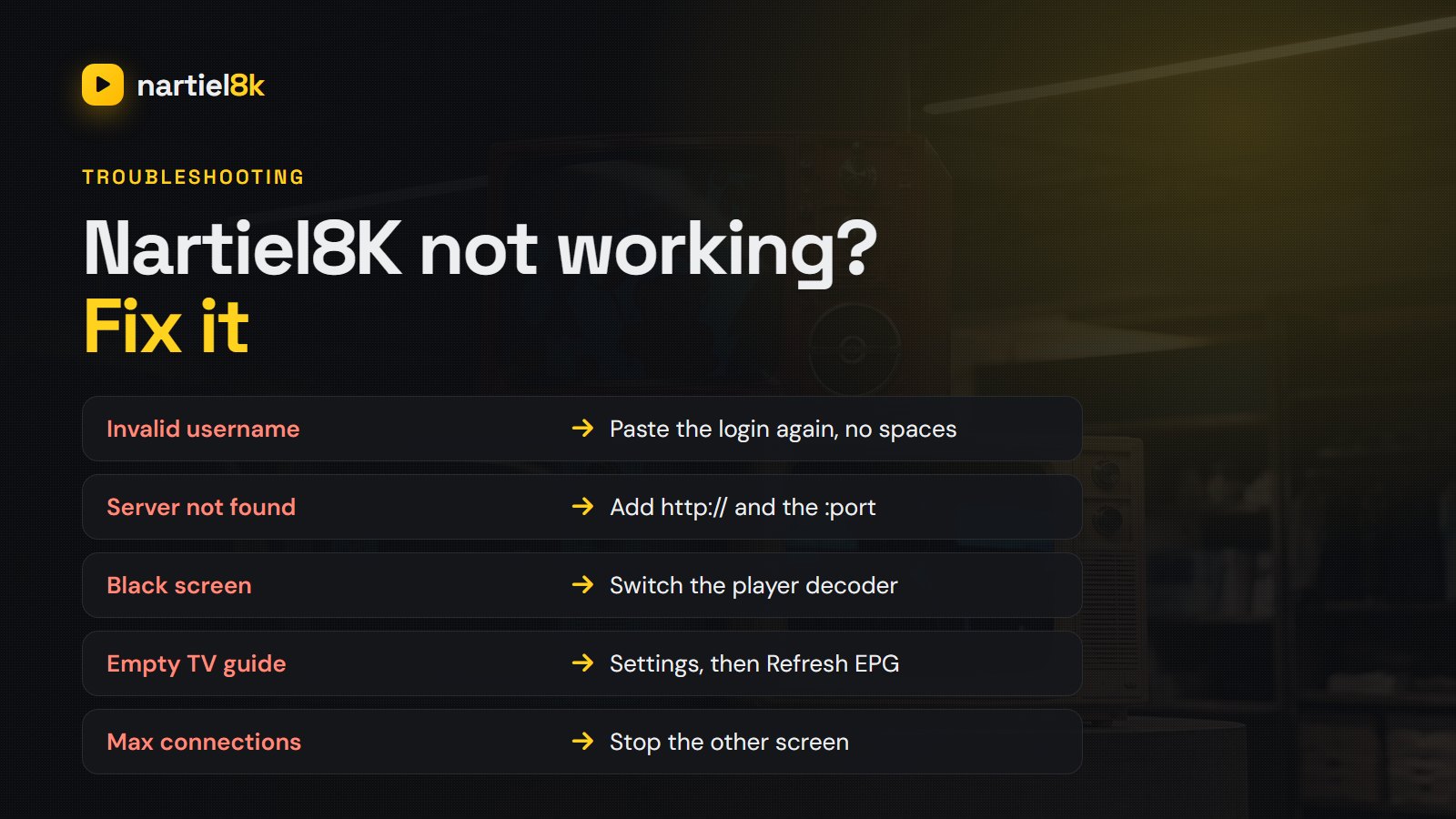
Nartiel8K not working? Nine times out of ten the line is fine and the problem is a setting, an app cache or the Wi-Fi, and it can be fixed in a couple of minutes without waiting for support. This guide lists every common symptom (login errors, a black screen, endless buffering, an empty TV guide, “max connections”) with the exact fix for each, in the order that solves most cases fastest.
Quick takeaways
- First check whether it is one channel, one device or everything. That tells you where the problem is.
- Restart the app and the device, then the router. It sounds basic, but it fixes most cases.
- “Invalid login” is nearly always a typo or a space at the end of the password.
- If every channel buffers, test the speed on that same device: Full HD needs 15 Mbps, 4K needs 25.
Step 1: find out what exactly is broken
Before changing anything, answer three questions. Does one channel fail, or all of them? Does it fail on one device, or on your phone too? Did it work yesterday? A single dead channel is a source issue on our side that support can reroute. Everything failing on one device is that device or app. Everything failing everywhere is usually your connection, or occasionally the server, and we post status updates on WhatsApp when that happens.
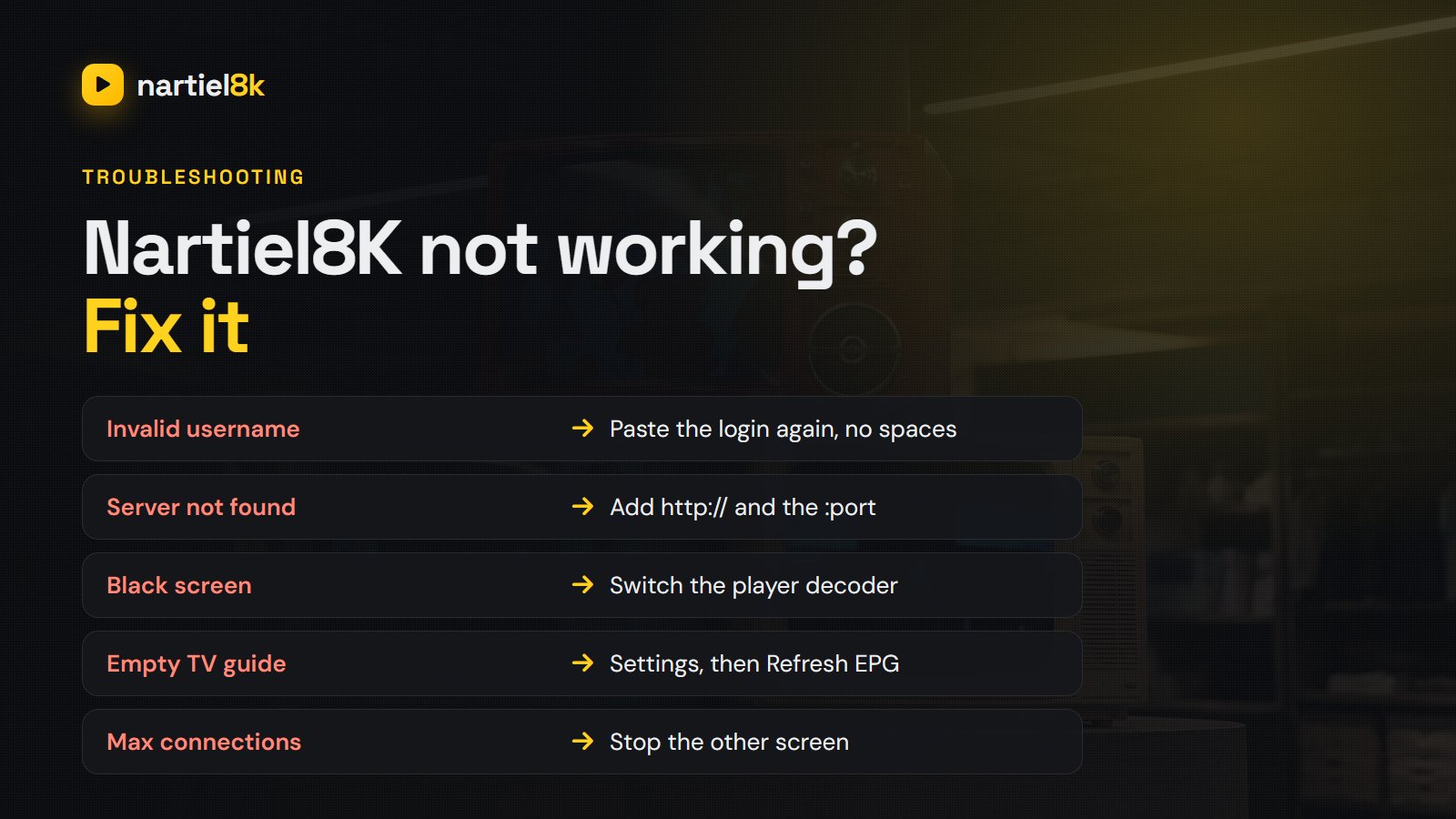
The quick fix table
| What you see | Most likely cause | Fix |
|---|---|---|
| “Invalid username or password” | Typo, wrong case, trailing space | Copy-paste the details from our WhatsApp message again |
| “Server not found” / cannot connect | URL missing http:// or the port | Re-enter the full server URL exactly as sent, including :port |
| Black screen, sound only | Player decoder setting | Switch the player between hardware and software decoder |
| One channel will not play | Source down for that feed | Try its HD/FHD duplicate and tell support the channel name |
| Every channel buffers | Wi-Fi, speed or ISP throttling | Ethernet or 5 GHz Wi-Fi, restart router, test speed on the device |
| TV guide (EPG) empty | Guide not refreshed | Settings, then Refresh EPG, wait a minute; add the EPG URL on M3U |
| “Max connections reached” | Line playing on another screen | Stop it on the other device, or add a connection |
| “Account expired” | Plan ended | Renew on WhatsApp. Your channels and favourites stay as they were |
| App crashes on open | Corrupt cache | Clear cache and data, or reinstall the app |
| Worked yesterday, nothing today | App update or ISP block | Restart everything; try a different DNS or a VPN; contact support |
Login problems
Your Nartiel8K login is one of three types: Xtream Codes (server URL, username, password), an M3U link, or a MAC portal. Most “not working” messages on day one come from mixing these up, for example pasting an M3U link into an Xtream field. The setup guide shows which goes where. Usernames and passwords are case-sensitive, and a space copied at the end is invisible but fatal. Delete the field and paste again.
On Samsung, LG and MAG devices that use a MAC address, the line only works once we have activated that exact MAC. If you changed TV, reset the app, or typed the MAC with a letter O instead of a zero, send us a photo of the screen showing the MAC and we will re-link it.
Buffering and freezing
If every channel stutters, the stream is not getting enough steady bandwidth to that device. In order of what works best:
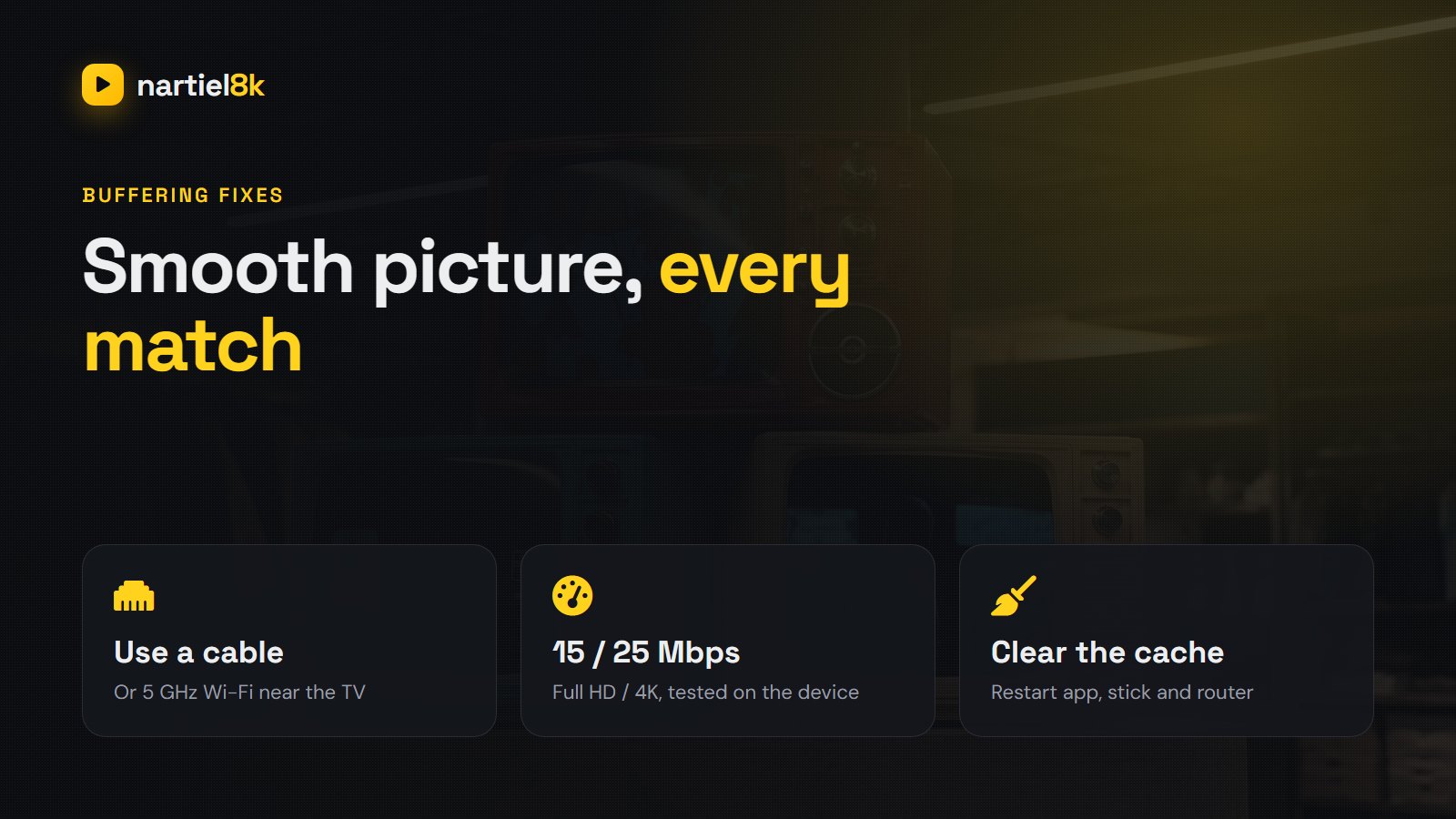
- Run a speed test on the TV or stick itself, not your phone. Full HD needs about 15 Mbps; 4K needs about 25 Mbps.
- Use a cable or 5 GHz Wi-Fi. A Firestick behind a wall on 2.4 GHz is the single most common cause. An Ethernet adapter costs very little and often fixes it outright.
- Restart the router and anything else downloading on the network.
- Pick the FHD version of the channel instead of 4K at busy times.
- Change the stream format in the player (HLS / MPEG-TS) and enable the buffer setting if it has one.
- Try a VPN if buffering only happens in the evening on big matches. Some ISPs throttle streaming traffic at peak times.
The long version, with the router settings that matter, is in why IPTV keeps buffering: 12 fixes.
Device-specific fixes
Firestick and Fire TV
Go to Settings, Applications, Manage Installed Applications, choose your player, then Clear cache. If the stick runs hot or slow, uninstall apps you do not use and restart it from Settings, My Fire TV, Restart. Older first-generation sticks struggle with 4K; use FHD channels on them. The full walkthrough is in Nartiel8K on Firestick.
Samsung and LG Smart TVs
Turn the TV fully off at the wall for 30 seconds (standby is not a restart). If you use IBO Player or Smart IPTV, check the playlist is still listed against your MAC address. TV apps occasionally drop it after an update.
Android TV boxes and phones
Clear the app cache, check the date and time are set automatically (a wrong clock breaks secure connections), and update the player from the Play Store.
iPhone, iPad and Apple TV
Offload and reinstall the player app, then add the Xtream login again. If channels load but will not play, switch the player to its internal (not system) video engine.
When it really is on our side
Servers have bad days too. If your phone on mobile data shows the same problem as your TV, it is likely on our end. Message us on WhatsApp with the channel name and the time it failed. We reroute dead feeds quickly, and if a fault on our side stops you watching and cannot be fixed, the refund policy covers you.
Frequently asked questions
Restart the app, the device and the router first. If it still fails, check whether your phone on mobile data has the same problem. If it does, the issue is likely on the server side and support on WhatsApp will confirm it; if not, it is the device or the home connection.
The details are case-sensitive and an extra space at the end breaks them. Delete the fields and paste the details again from our message, and make sure the server URL includes http:// and the port number.
Usually the Wi-Fi to that device is too weak or too slow. Test the speed on the device itself (15 Mbps for Full HD, 25 Mbps for 4K), switch to Ethernet or 5 GHz Wi-Fi, restart the router and choose the FHD channel at busy times.
The guide has not refreshed yet. Open the player settings, choose Refresh EPG or Update TV guide and wait a minute. With an M3U playlist you also need to paste in the EPG URL we sent.
Your line is already playing on another screen. Stop the stream on the other device, or ask us to add an extra connection so you can watch on two screens at once.
Try the HD or FHD duplicate of the same channel, then send support the channel name. Single dead channels are usually rerouted quickly.
Related Nartiel8K guides
- Nartiel8K setup guide — which login goes in which app.
- IPTV buffering: 12 fixes — router, Wi-Fi and player settings in depth.
- Nartiel8K on Firestick — install and tune it in about ten minutes.
Related reading
Cut through the threads — the traits every service Redditors actually keep, and the red flags…
EPG is the TV guide in your IPTV app. Where it comes from, why it goes…